Lifetime React Component Libraries in 2026: One-Time Prices Compared (and When a Pass or Subscription Is Cheaper)
Published: October 27, 2026 · 10 min read
Pay once for React UI components? Compare lifetime prices for Aceternity UI Pro, Magic UI Pro, Shadcnblocks, Flowbite Pro, Untitled UI React and DesignLayer, checked October 2026.
TL;DR
If you'd rather pay once than subscribe, these React + Tailwind component libraries sell a lifetime license today. The lowest one-time price for one developer, as listed on each pricing page on October 27, 2026:
[DesignLayer](https://design-layer.com/en/pricing): $79 Lifetime Access (first 100 buyers), tax included. 74 motion components and 14 launch-film prompts, current and future. A $19 30-Day Build Pass and $9/month Plus are also available.
[Shadcnblocks](https://www.shadcnblocks.com/pricing): $149 (Pro), up to $399 (Elite). Built on shadcn/ui.
[Aceternity UI Pro](https://ui.aceternity.com/pricing): $199 Lifetime (regular price $299), or $169 for a 1-year license.
[Magic UI Pro](https://pro.magicui.design): $199 Individual License, lifetime access.
[Flowbite Pro](https://flowbite.com/pro/): $299 Developer edition, excl. taxes.
[Untitled UI React](https://www.untitledui.com/pricing): $349 PRO SOLO (regular price $499).
Tailwind Plus (formerly Tailwind UI) was the best-known pay-once kit, but it closed to new customers on September 9, 2026.
The cheapest option isn't always the best value. Check what "lifetime" covers (future additions or only updates?), how many seats you get, whether the components already move, and whether your AI editor can install them. If you only need one landing page this month, a 30-day pass usually costs less than any lifetime license.
What does "lifetime" actually mean for a component library?
"Lifetime" is a pricing word, not a standard. On the pages we checked, it means one of three things:
Lifetime updates to what you bought. You get bug fixes and refreshes of the components that existed when you paid.
Lifetime access to future additions. New components, blocks and templates released later are included at no extra cost.
The product's lifetime, not yours. If the vendor stops selling or shuts down, "lifetime" ends there. Code you already copied stays in your repo. Everything you haven't downloaded yet is gone.
Every vendor below says its lifetime plan includes future updates. Some also spell out future releases: Aceternity ("access to all future releases"), Magic UI ("everything added in the future") and DesignLayer ("all current and future additions to the DesignLayer component library and video gallery"). DesignLayer excludes separately branded standalone products, if it ever launches any. Read that line on any vendor's page before you pay. It's where the real differences are.
Sound familiar? You paid for a UI kit and used four blocks
A common story: you buy a big kit on sale, copy a hero, a pricing table, a FAQ and a footer for one launch, and never open it again. Or you subscribe "just for this project," finish in two weeks, and forget to cancel for three months.
Neither is a bad decision on its own. The mistake is picking the pricing model before you know how you'll use the library:
One launch, one deadline: you want everything for a few weeks, then nothing.
You ship a new page or product every month: you want everything, forever, for one price.
You build client sites: you need a license that clearly covers client work, and maybe seats for a team.
And if you build with Cursor or Claude Code, you have one more question. Can the agent install the component cleanly, or will you paste TSX by hand and fix imports?
What should you check before paying once for a React UI library?
Six checks, in the order that usually decides it:
What "lifetime" covers. Updates only, or future components and templates too? (See above.)
Seats. Most individual licenses are single-user. Aceternity's Team plan covers up to 10 people, Flowbite's team license covers up to 10 members, and Untitled UI and Shadcnblocks sell team tiers separately.
License for client work. Every vendor below allows commercial use and forbids reselling the components as a competing kit. Read the exact wording if you're an agency.
Stack fit. React + TypeScript + Tailwind is standard now. Check Tailwind v3 vs v4, and whether motion needs Framer Motion / Motion or GSAP.
Motion out of the box. A static block plus "add some animation" from your AI agent is not the same as a section designed to move. Aceternity, Magic UI and DesignLayer are motion-first. Shadcnblocks, Flowbite and Untitled UI are mostly layout and app UI.
AI-editor workflow. Look for a CLI, an MCP server or a copy format that hands your agent the files, dependencies and instructions together.
How much do lifetime React component libraries cost in 2026?
All prices are for one developer and were checked on each vendor's own pricing page on October 27, 2026. Sale prices change, so check the page before you buy.
Library | Lowest one-time price (1 developer) | What lifetime includes | Team option | Stack | AI-editor workflow |
|---|---|---|---|---|---|
$79 Lifetime Access, first 100 buyers (tax included). Also a $19 30-Day Build Pass and $9/month Plus | All current and future components and video prompts (74 components, 14 launch-film prompts today) | Not listed | React + TypeScript + Tailwind CSS (v3.4 and v4), Next.js App Router, Vite or Remix | Copy for Cursor; MCP for Cursor and Claude Code on paid plans | |
$149 Pro ($299 Premium, $399 Elite) | Lifetime access and updates | Team plans on a separate tab | shadcn/ui, React, Tailwind | shadcn CLI, official shadcn MCP, IDE extension | |
$199 Lifetime (regular $299). $169 for a 1-year license (regular $249) | Lifetime updates and all future releases | Team, up to 10 people: $1,590 (regular $1,990) | Next.js, React, Tailwind CSS, Framer Motion | MCP for Claude Code, Codex, Cursor and others | |
$199 Individual License | Everything available today plus future additions and updates | Not shown in the pricing section | React, Tailwind CSS, Framer Motion | Not stated on the pricing section | |
$299 Developer edition (excl. taxes) | Future updates based on the roadmap | Team license $999, up to 10 members | Tailwind (HTML) plus React (TypeScript) templates | MCP server (Cursor, Windsurf, Claude Code) | |
$349 PRO SOLO (regular $499) | Use forever in unlimited projects, free lifetime updates | Larger team tiers available | React, React Aria, Tailwind CSS v4 | CLI | |
Tailwind Plus | Closed to new customers since September 9, 2026 | Existing customers keep access | — | — | — |
Two things this table doesn't show. First, catalog size and style differ a lot. Shadcnblocks lists thousands of blocks, while DesignLayer has 74 finished motion components. Second, Flowbite says it gives a full refund within 30 days, and Shadcnblocks says it generally doesn't refund digital goods. Check refund terms on any vendor's own page.
Lifetime vs subscription vs a 30-day pass: which costs less?
It depends on how many months you'll actually use the library. Here's the math with DesignLayer's three paid options (all tax included):
Your situation | Cheapest DesignLayer option | Why |
|---|---|---|
One landing page or launch this month | 30-Day Build Pass, $19 once | Every component and video prompt for 30 days, no auto-renewal. What you copied stays yours after it ends. |
You liked the Pass and want to keep going | Upgrade to Lifetime for $60 within 30 days | $19 + $60 = $79, the same as buying Lifetime directly |
You'll build pages for the next year or more | Lifetime Access, $79 once (first 100 buyers) | Plus at $9/month costs $81 after 9 months, so Lifetime wins from month 9 |
You want to pay monthly and stop whenever | Plus, $9/month | Cancel anytime. Your plan stays active until the end of the billing period. |
You only need a few app pieces | Free | Free previews all 74 components. A free account copies the 10 Free Sample components with full source and unlimited Copy for Cursor, plus 1 video prompt/month. |
The same logic applies to any vendor. A lifetime license pays off when you'll come back to the library again and again. For a single deadline, a short pass or one month of a subscription is almost always cheaper.
When is DesignLayer the right one-time buy?
Pick DesignLayer when three things are true:
You want sections that already move. Every component is a finished motion section: a header that floats, a pricing block with a magnetic CTA, a FAQ that opens smoothly. You're not starting from a static block and prompting for animation.
You build with Cursor or Claude Code. Copy for Cursor hands your agent the TSX, the npm dependencies, instructions and the live preview URL in one paste. On a paid plan, MCP lets either editor search and pull components from chat, with no API key.
You want a low entry price. $79 once (while the first 100 Lifetime spots last), or $19 to try everything for 30 days first.
Pick something else when you need thousands of blocks, a full admin dashboard kit or Figma files for a design team. Shadcnblocks, Flowbite Pro and Untitled UI are built for that. For a closer look at the motion-first libraries, see Aceternity UI alternatives. If you came here because Tailwind UI is gone, see Tailwind Plus alternatives in 2026.
Here's what a SaaS landing page looks like built from DesignLayer components:
Section | Component | Plan |
|---|---|---|
Header | Pass / Lifetime | |
Features | Free Sample | |
Integrations | Pass / Lifetime | |
Pricing | Pass / Lifetime | |
CTA | Free Sample | |
Testimonials | Pass / Lifetime | |
FAQ | Pass / Lifetime | |
Sign-in | Free Sample | |
Sign-up | Pass / Lifetime |
If you want a pricing section that moves, our animated pricing section guide shows the patterns behind Kinetic Service Pricing and Plan Pill Switch.
How can you try a component library before you pay?
Don't buy any lifetime license blind. With DesignLayer you can test the code itself first:
Read the source of a Free Sample. Ten components show their full TSX on the page, even when you're signed out. Start with Spring Command Palette (⌘K search with spring motion and full keyboard support) or Spring Toast Stack (glass toasts that spring in, swipe away, and turn a loading toast into success in the same card).
Copy one into your project. Sign up free, press Copy for Cursor, and paste into Cursor or Claude Code. A free account copies these 10 Free Sample components with no monthly limit, plus 1 video prompt/month. Free previews all 74 components. The others in the free set are File Upload, Monthly Calendar, Liquid Glass Login, Magnetic CTA Button, Statue 404, Pixel Arc Loader, Clicky Keyboard and Product Feature Bento.
Then pick a plan for the rest. If the code holds up in your repo, take the 30-Day Build Pass for $19 to build this month's page, or Lifetime Access for $79 to keep all 74 components and every future addition. Prefer monthly? Plus is $9/month and you can cancel anytime.
You can also watch the launch films on the Videos page for free to see the components in motion before you copy anything.
FAQ
Of the libraries we checked on October 27, 2026, DesignLayer's Lifetime Access is the lowest one-time price for one developer at $79 (first 100 buyers, tax included). Shadcnblocks starts at $149, Aceternity UI Pro and Magic UI Pro at $199, Flowbite Pro at $299 (excl. taxes) and Untitled UI React at $349. The catalogs differ in size and style, so compare what you'd actually use.
Summary
If you want to pay once for React UI components in 2026, you have real choices: Shadcnblocks ($149+), Aceternity UI Pro and Magic UI Pro ($199), Flowbite Pro ($299 excl. taxes) and Untitled UI React ($349) for large kits, and DesignLayer ($79 Lifetime, first 100 buyers) for finished motion sections built for Cursor and Claude Code. Check what "lifetime" covers, how many seats you get and whether the components already move. Then test the code before you buy: DesignLayer's 10 Free Samples show their full source. Free previews all 74 components, and a free account copies those 10 with no monthly limit, plus 1 video prompt/month.
Watch the launch videos
Browse videos →


Components in this guide
Browse components →
Floating Pill Header

Brand Bar Header
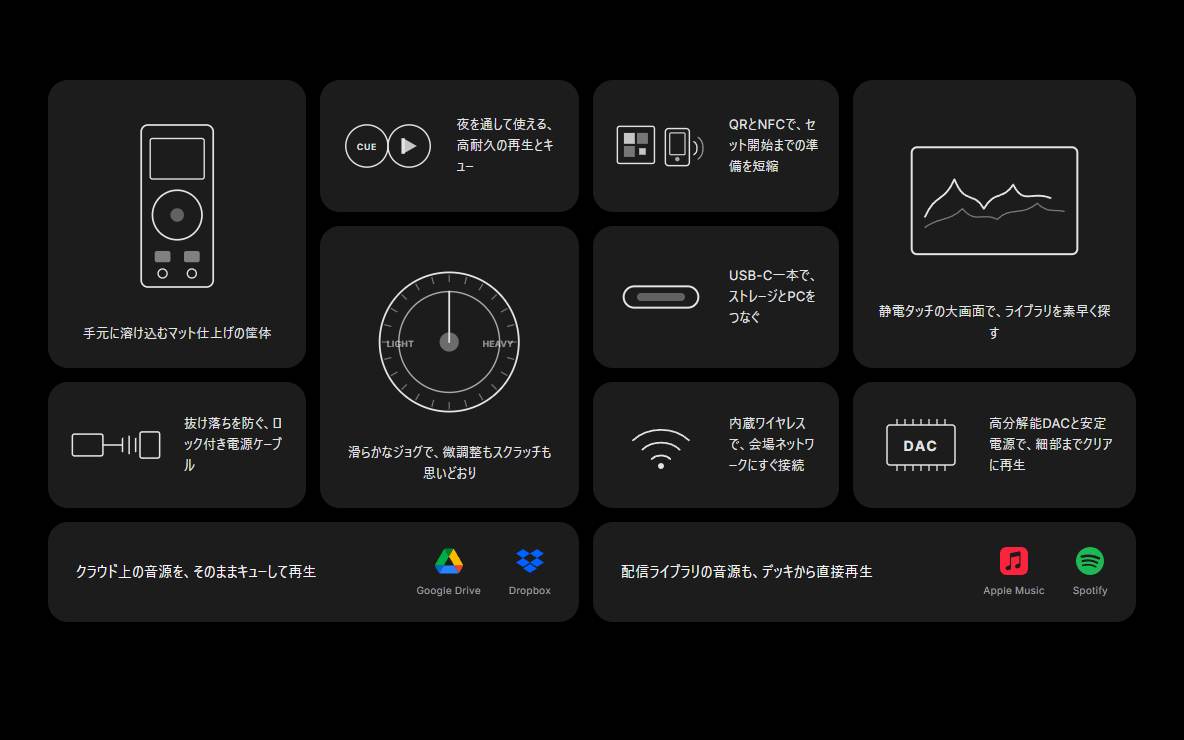
Product Feature Bento
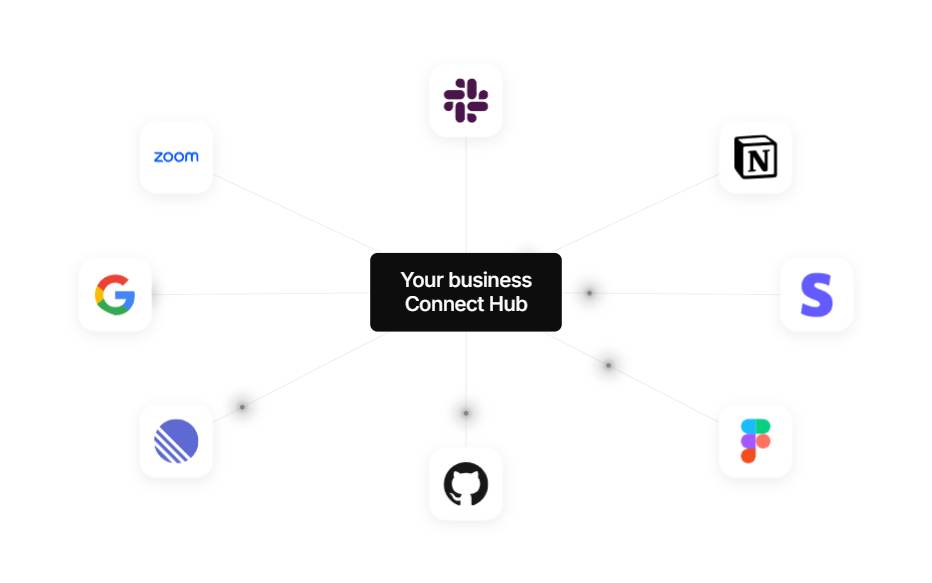
Integrations Hub
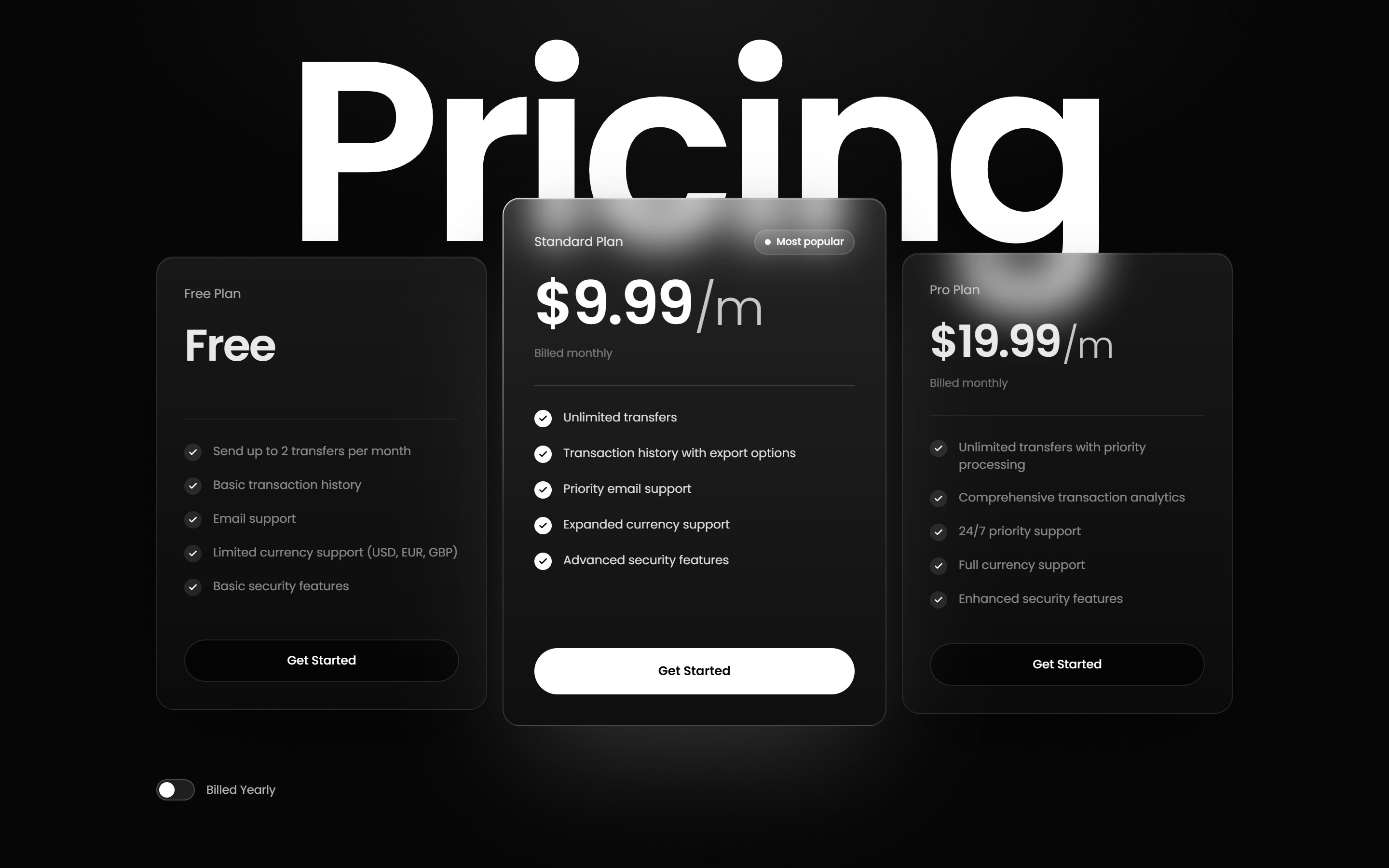
Kinetic Service Pricing
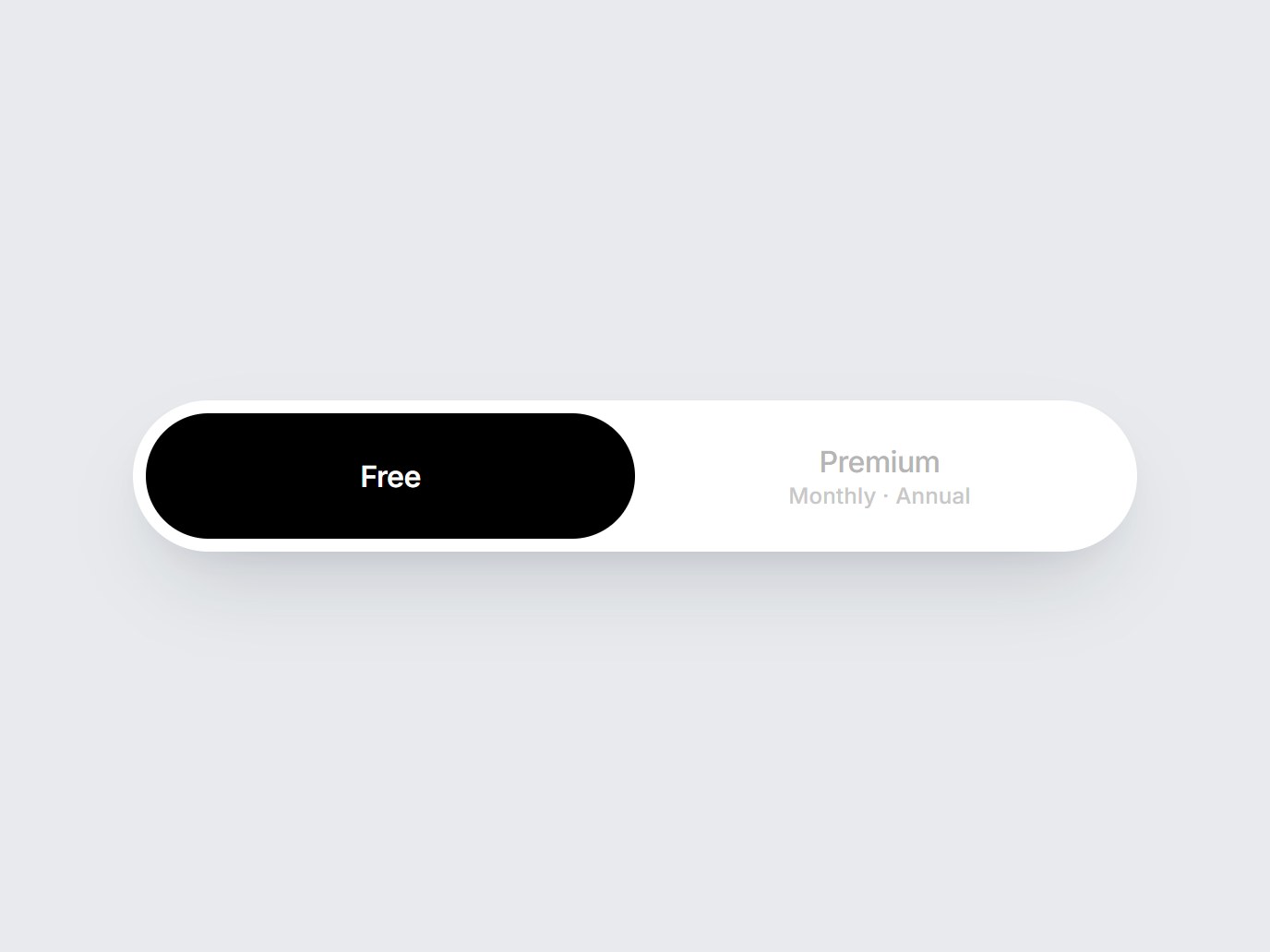
Plan Pill Switch
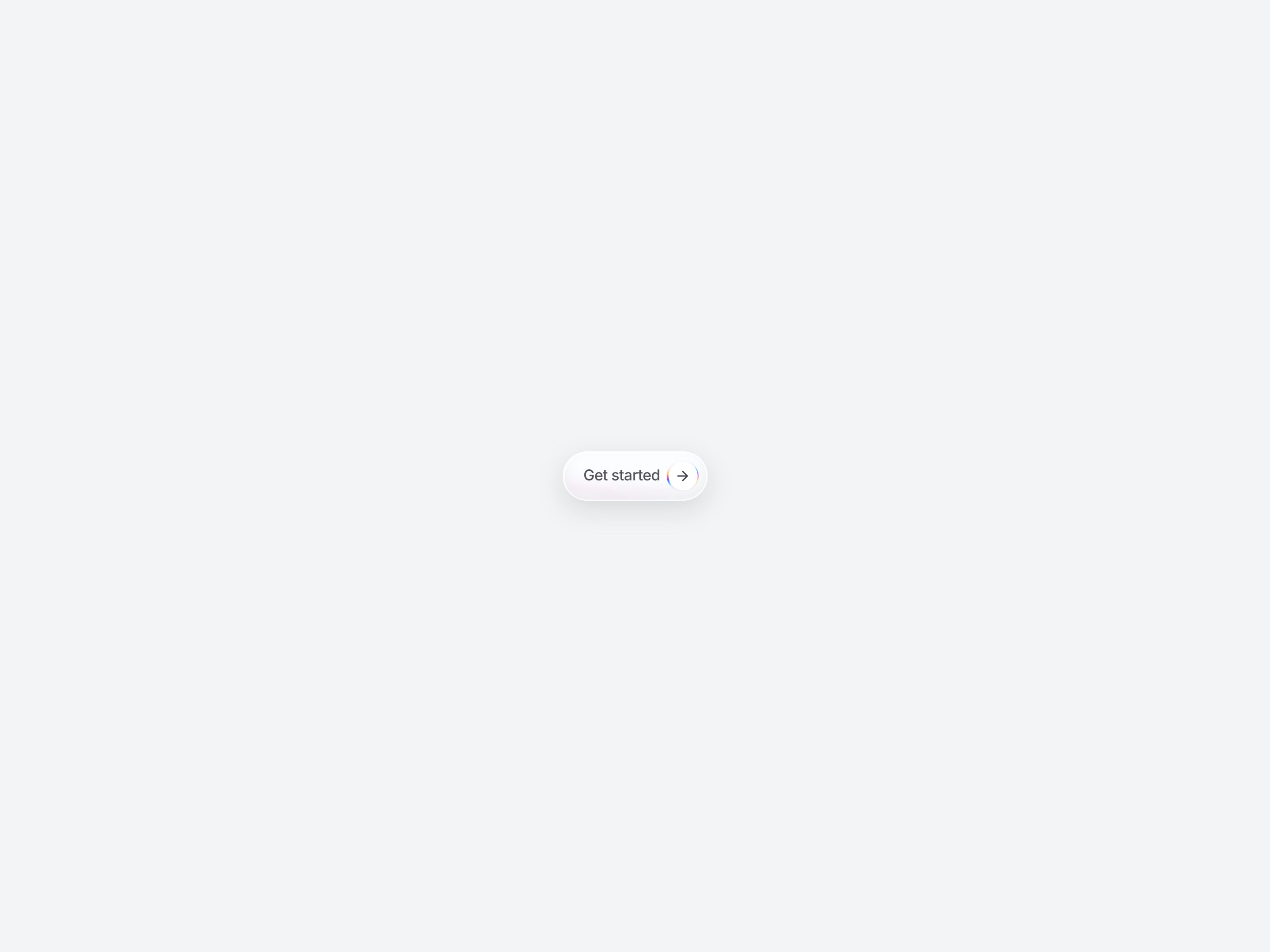
Magnetic CTA Button
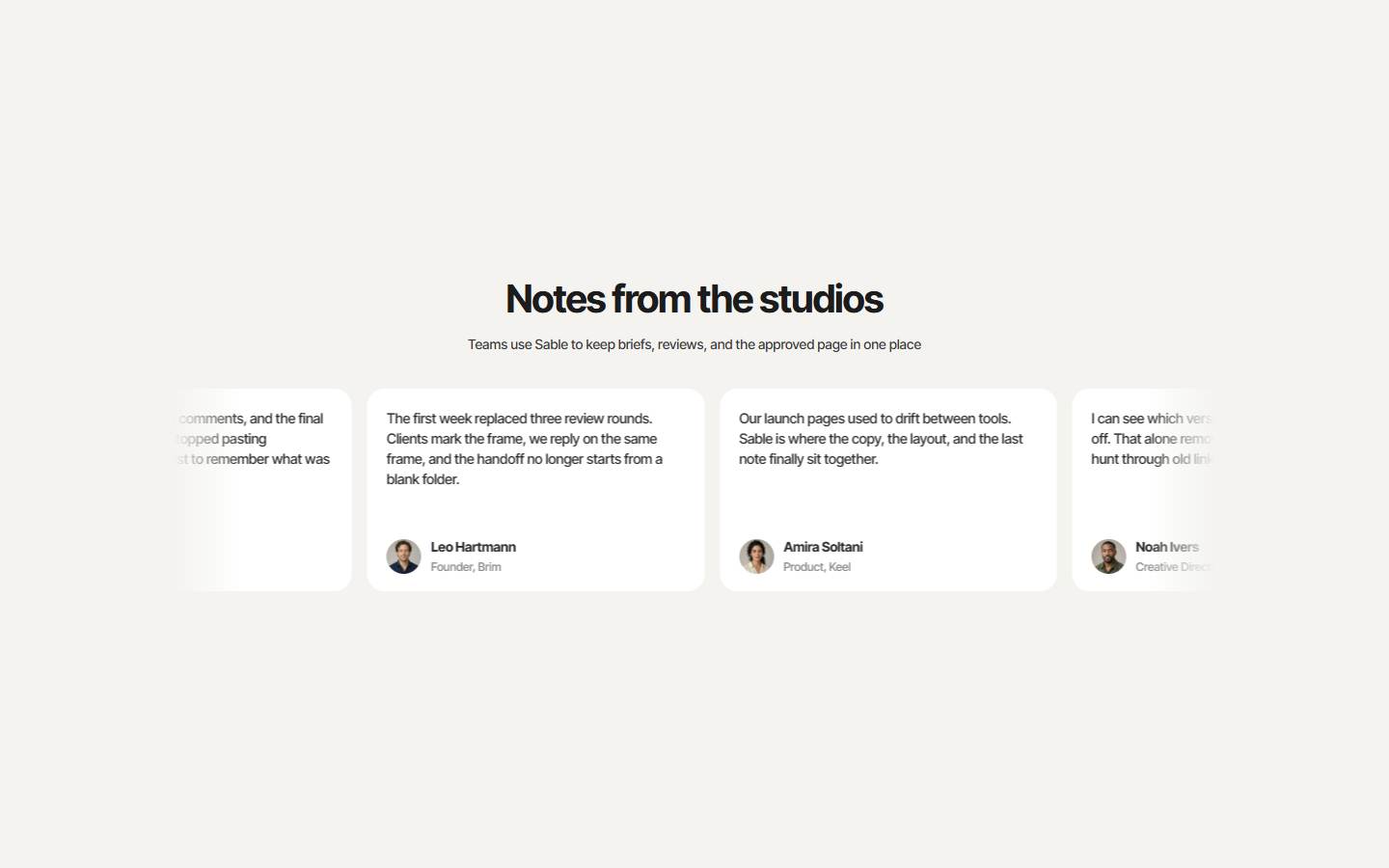
Spotlight Reviews
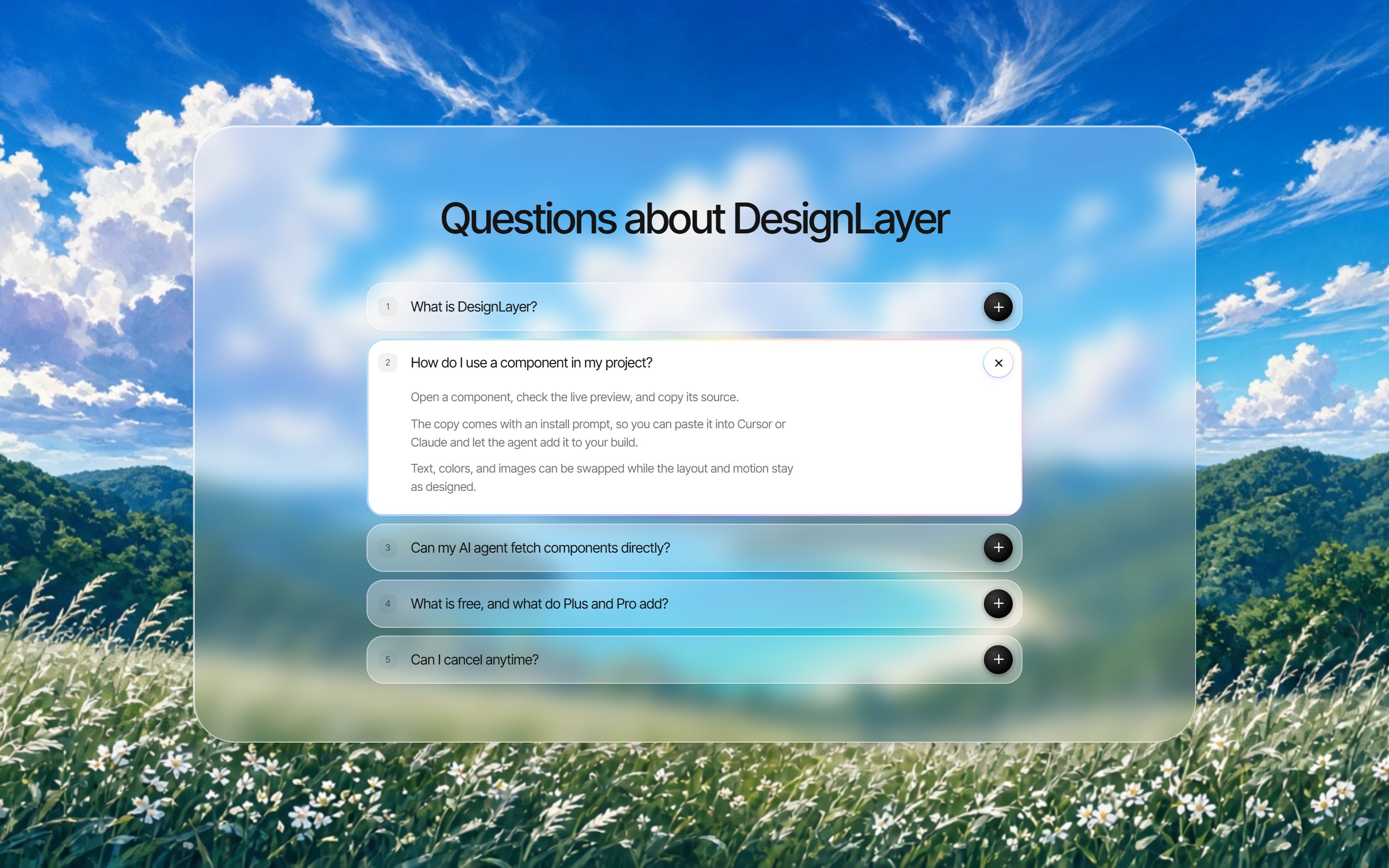
Numbered FAQ Panel
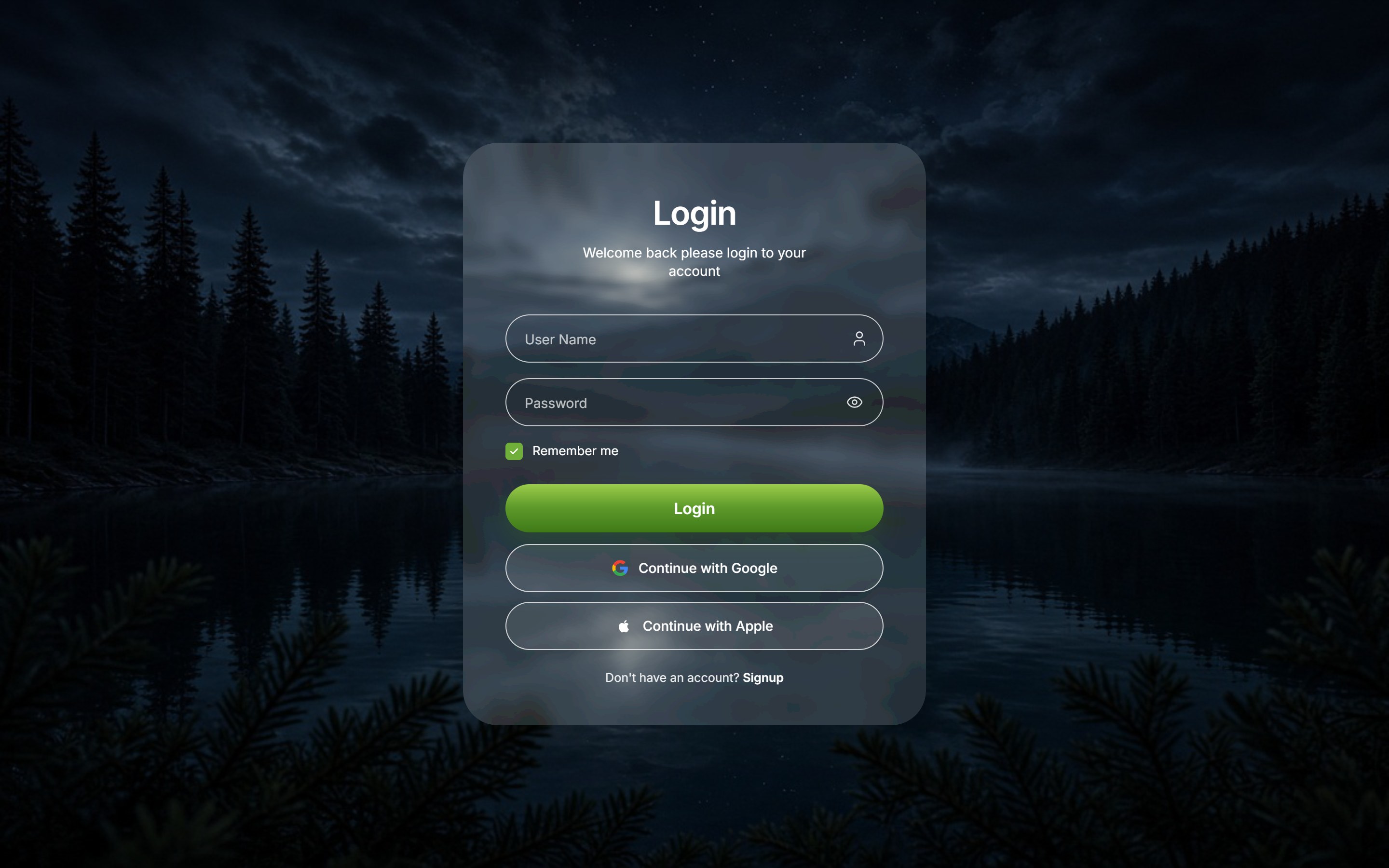
Liquid Glass Login
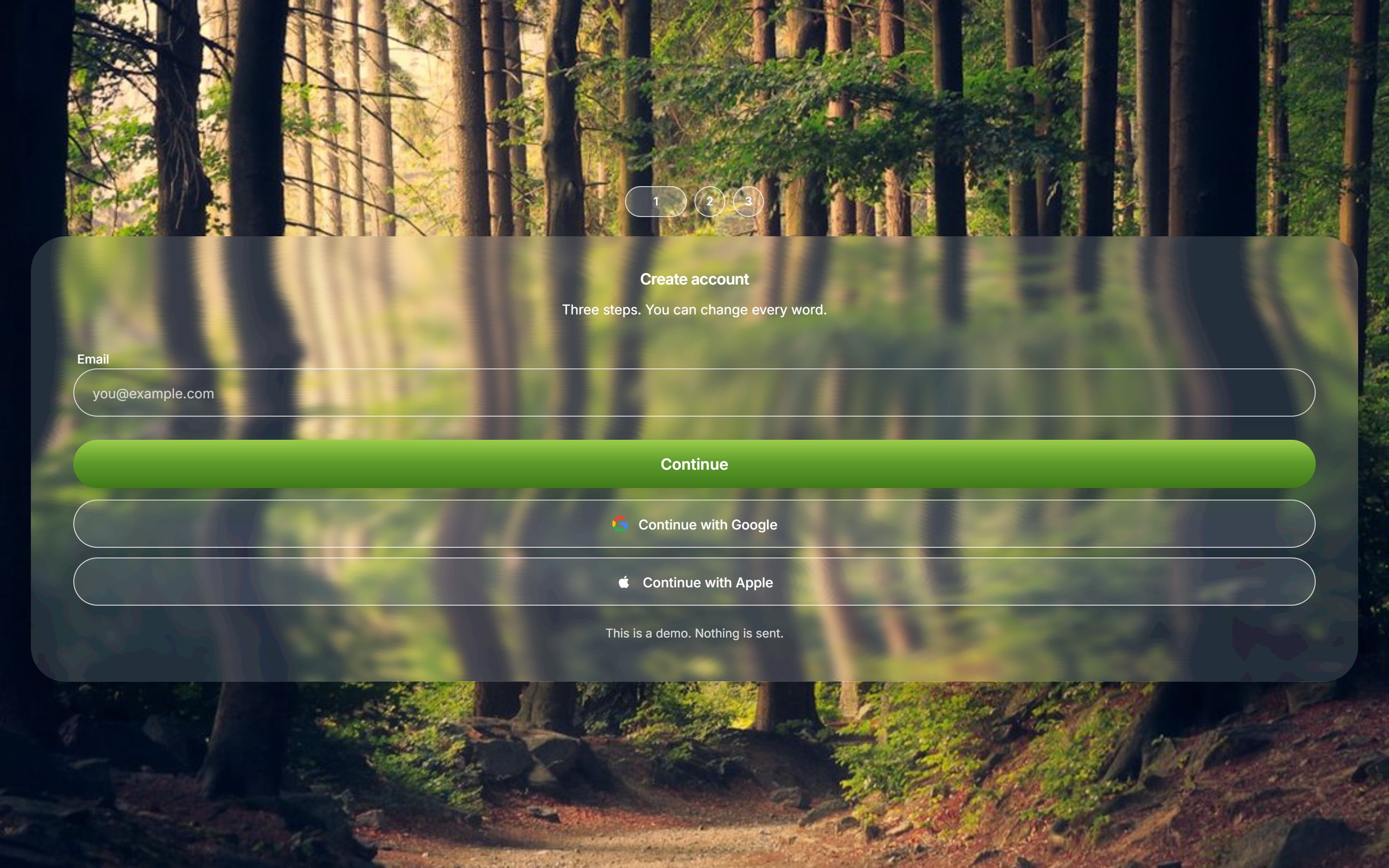
Liquid Glass Signup Steps
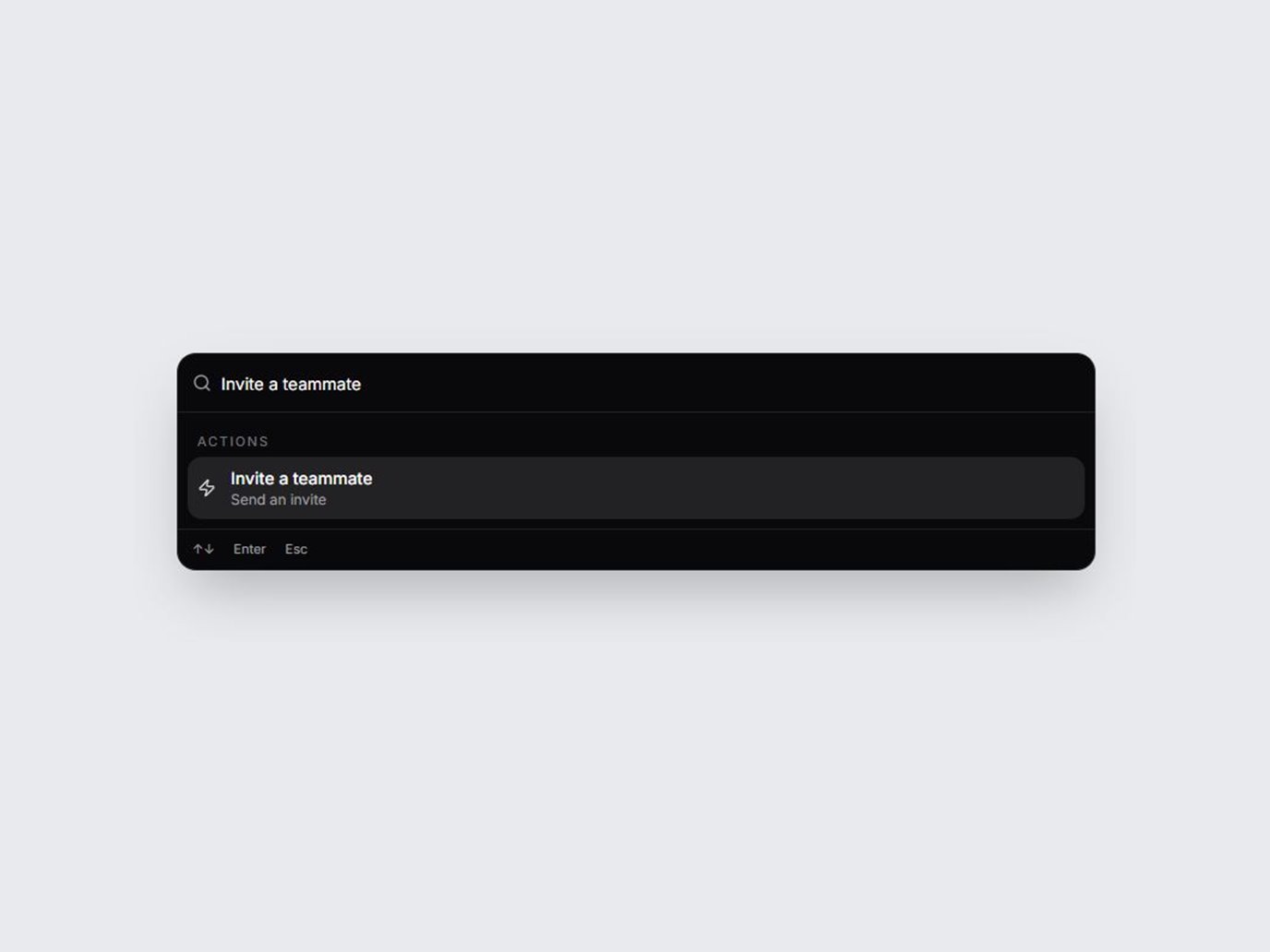
Spring Command Palette
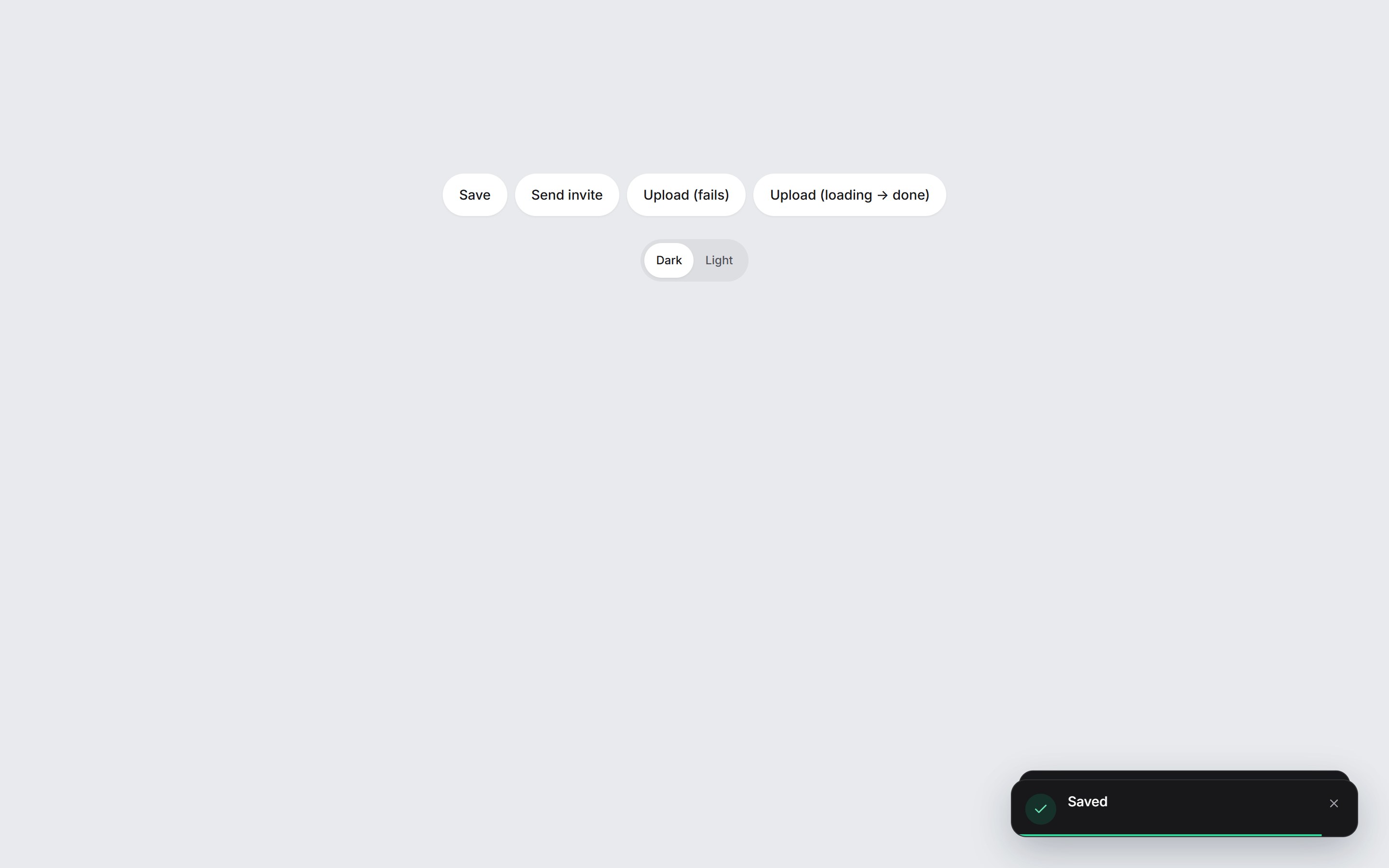
Spring Toast Stack

File Upload

Monthly Calendar

Statue 404
Pixel Arc Loader
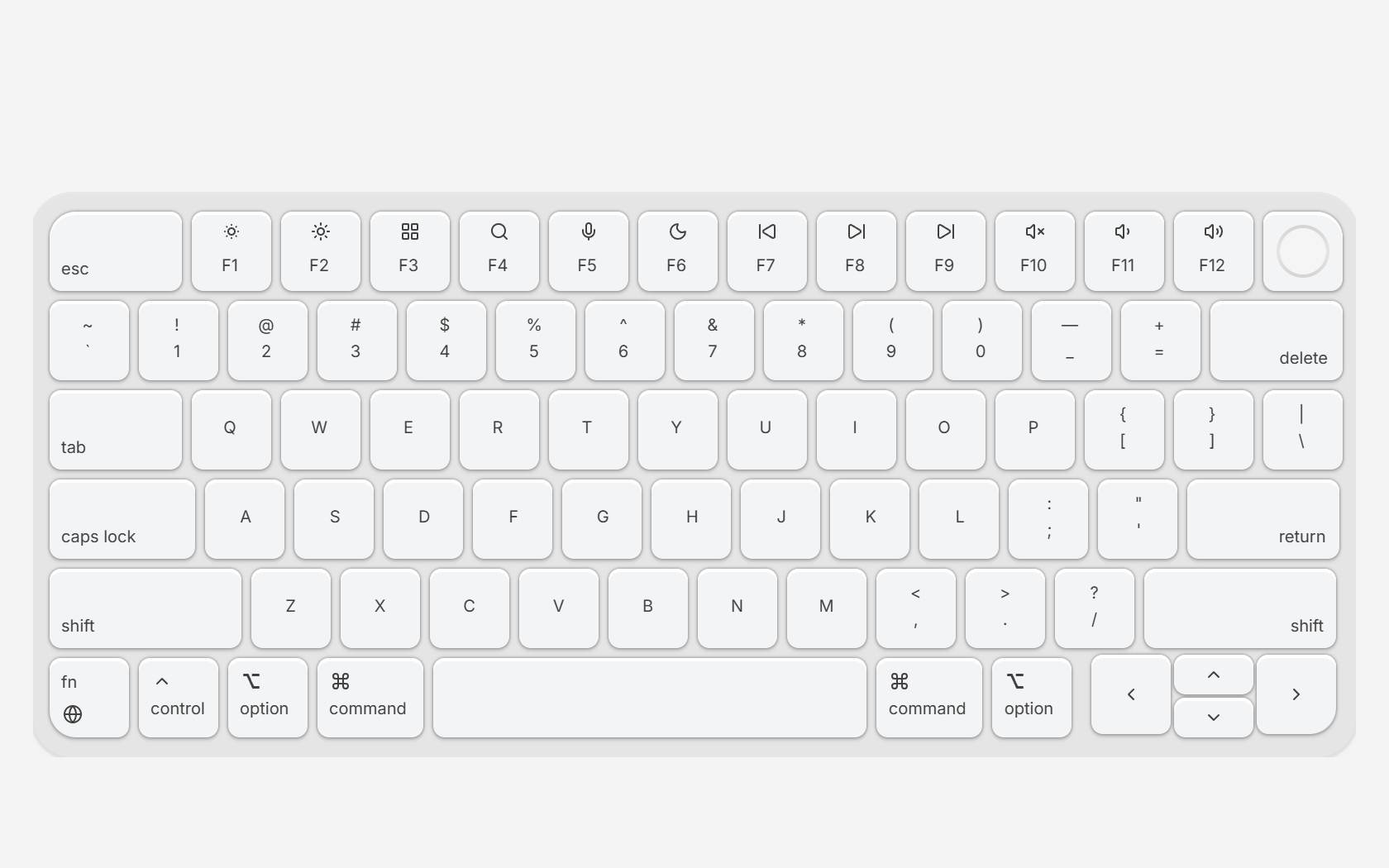
Clicky Keyboard