Logo Marquee Animation in React and Next.js
Published: September 12, 2026 · 5 min read
A logo marquee animation is an infinite logo scroll. CSS moves a duplicated logo row 50% left, then repeats. React and Next.js need no carousel library.
How to build an infinite logo scroll that never breaks
A gap or a jump after one loop means the two logo rows are not the same width. Put two identical rows in one track, move that track 50% to the left, and repeat. The restart lands on the second row, so the seam stays hidden.
The classes in this guide match Tailwind CSS 3.4 on Next.js 15.5 and React 19. The marquee stays a Server Component.
CSS only | JavaScript library | Copy a finished version | |
|---|---|---|---|
What you get | The infinite logo scroll in this guide | A stepped carousel, such as Swiper | Template Showcase Marquee: screenshots in an infinite scroll |
Loop | CSS moves a duplicated row by 50% | You configure the library's loop | Already looping |
Dependencies | Next.js, React, Tailwind CSS | A carousel package | React, TypeScript, Tailwind CSS |
Best when | Logos should drift on their own | People should advance one slide at a time | You want the motion already built |
This guide implements the CSS-only column. You will learn:
The base code for a logo marquee with no visible seam
What causes gaps and jumps, and how to fix them
Pausing on hover and keyboard focus
Faded edges and two rows scrolling in opposite directions
Supporting reduced-motion settings and screen readers
Why a logo marquee only needs CSS
A marquee does one thing: it keeps moving sideways at a constant speed. Nothing depends on scroll position or user input, so a CSS animation is all you need. It loads lighter than adding a JavaScript library.
In the Next.js App Router, a CSS-only animation works inside a Server Component (rendered on the server). No "use client" (the "run this in the browser" marker) is needed, so next/image can still optimize the logos without adding anything to the client bundle.
A marquee is also not the star of the page. Its job is to quietly say that plenty of companies already use the product. Keep strong motion for the hero and limit the marquee to steady horizontal movement, and the page keeps a good rhythm.
Base code for a seamless logo marquee
First, define the motion as keyframes. It starts at 0 and moves 50% to the left. Put it in globals.css and you can call it from a Tailwind arbitrary-value class.
@keyframes marquee {
    from {
      transform: translateX(0);
    }
    to {
      transform: translateX(-50%);
    }
  }
Render the same row twice
Give the outer wrapper overflow-hidden and put a horizontal track (the strip that carries the logos) inside. It holds two copies of the logo row and runs the marquee animation. w-max makes the track exactly as wide as its content.
The second row exists only for the visual loop, so mark it aria-hidden. Screen readers then announce each company once instead of twice.
The sample uses PNG. On Next.js 15, next/image will not optimize an SVG unless you set unoptimized. The image optimizer blocks SVG by default.
import Image from "next/image";

  const logos = [
    { name: "Acme", src: "/logos/acme.png" },
    { name: "Globex", src: "/logos/globex.png" },
    { name: "Initech", src: "/logos/initech.png" },
    { name: "Umbrella", src: "/logos/umbrella.png" },
    { name: "Hooli", src: "/logos/hooli.png" },
    { name: "Stark", src: "/logos/stark.png" },
  ];

  function LogoRow({ duplicate = false }: { duplicate?: boolean }) {
    return (
      <ul
        aria-hidden={duplicate || undefined}
        className={duplicate ? "flex shrink-0 items-center motion-reduce:hidden" : "flex shrink-0 items-center motion-reduce:w-full motion-reduce:flex-wrap motion-reduce:justify-center"}
      >
        {logos.map((logo) => (
          <li key={logo.name} className="px-8">
            <Image
              src={logo.src}
              alt={duplicate ? "" : logo.name}
              width={120}
              height={32}
              className="h-8 w-auto object-contain opacity-70"
            />
          </li>
        ))}
      </ul>
    );
  }

  export function LogoMarquee() {
    return (
      <section aria-label="Trusted by" className="overflow-hidden py-12">
        <div className="flex w-max animate-[marquee_30s_linear_infinite] motion-reduce:w-full motion-reduce:animate-none">
          <LogoRow />
          <LogoRow duplicate />
        </div>
      </section>
    );
  }
Space logos with even padding on each side
If you space logos with flex gap, the space between the first and second row comes up short. The 50% position no longer matches one row's width, so the marquee jumps a little on every loop.
Give each logo the same horizontal padding instead (px-8 in the code above). Both rows end up the same width, and moving 50% lands exactly one row over.
Pause the logo marquee on hover and keyboard focus
Logos that never stop are hard to read. Pausing on hover lets people take their time with the names they care about. Setting animation-play-state to paused is all it takes.
If the logos are links, pause on keyboard focus too. focus-within stops the animation while any link inside has focus.
Pausing only on hover or focus does not count as a pause mechanism under WCAG 2.2.2. If the marquee runs longer than five seconds, add a pause button too.
<div className="flex w-max animate-[marquee_30s_linear_infinite] hover:[animation-play-state:paused] focus-within:[animation-play-state:paused] motion-reduce:w-full motion-reduce:animate-none">
    <LogoRow />
    <LogoRow duplicate />
  </div>
Logo marquee extras: faded edges and reversed rows
Logos that get cut off sharply at the edge feel a bit stiff. A horizontal gradient mask-image on the wrapper lets them fade out naturally.
<section
    aria-label="Trusted by"
    className="overflow-hidden py-12 [mask-image:linear-gradient(to_right,transparent,black_10%,black_90%,transparent)]"
  >
    {/* track */}
  </section>
Reverse the second row
With many logos, split them into two rows and add animation-direction: reverse to the second. Giving it a slightly different speed avoids both rows moving in lockstep.
<div className="flex w-max animate-[marquee_40s_linear_infinite] [animation-direction:reverse] motion-reduce:animate-none">
    <LogoRow />
    <LogoRow duplicate />
  </div>
Four easy-to-miss logo marquee problems
A logo marquee is a small section, but when it breaks it looks careless instead of trustworthy. Check these four before you ship.
A gap appears after one loop of logos
Either there is only one row, or the two rows differ in width. Make sure you render the same array twice and space logos with padding instead of gap. A gap also appears when one row is shorter than the viewport, so repeat the array two or three times to make each row longer.
Logos have uneven sizes
Every company's logo file has different padding and proportions. Fix the height with something like h-8, and keep proportions with w-auto and object-contain so nothing gets squashed.
The logo marquee runs too fast
If logos pass before anyone can read them, they do not work as social proof. One loop every 20 to 40 seconds is a good range. When you add logos, raise the duration so the speed looks the same.
Low-contrast logos disappear
When you tone all logos down to gray, watch out for colors that are too faint. On a light background, keep opacity around 0.6 to 0.8, and prepare white versions for dark backgrounds.
Copying a finished logo marquee section
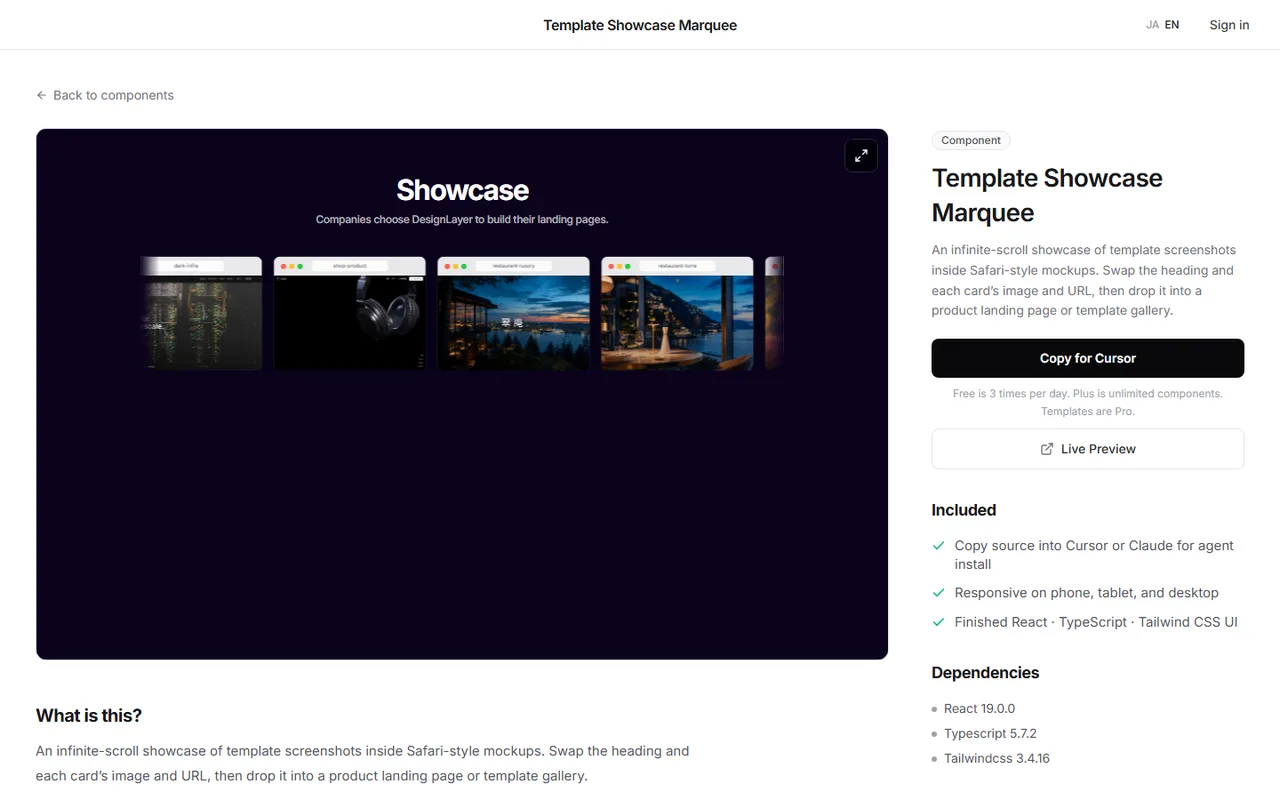
Faded edges, two reversed rows, and a slight lift on hover can easily take half a day of CSS tweaking. If you want to settle the look first, copy a finished version.
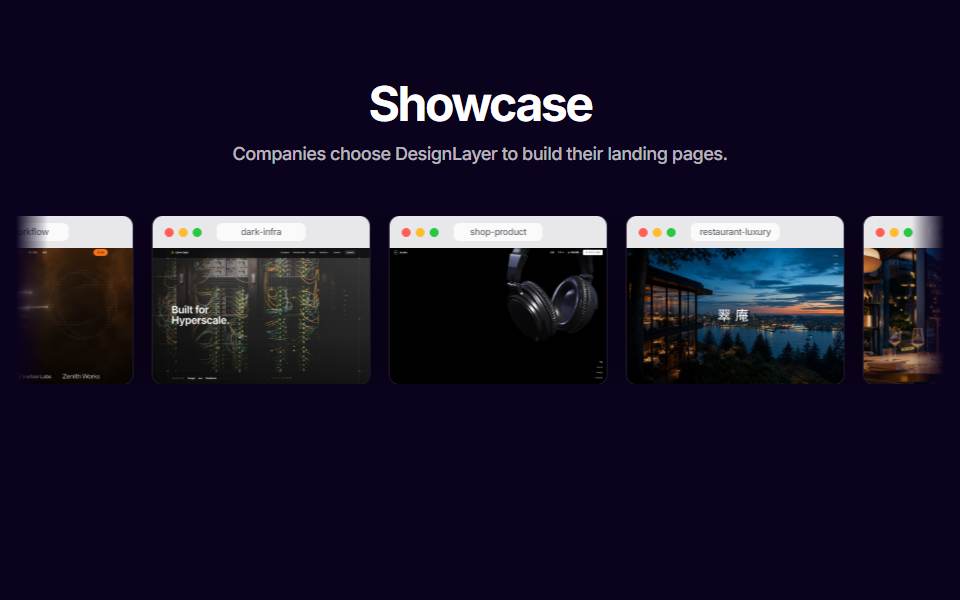
Copy Template Showcase Marquee when you want an infinite scroll that is already built. It loops screenshots inside Safari-style frames. Swap the heading and each card's image, then paste it into Cursor or Claude. It is an infinite marquee of screenshots, not a row of customer logos.
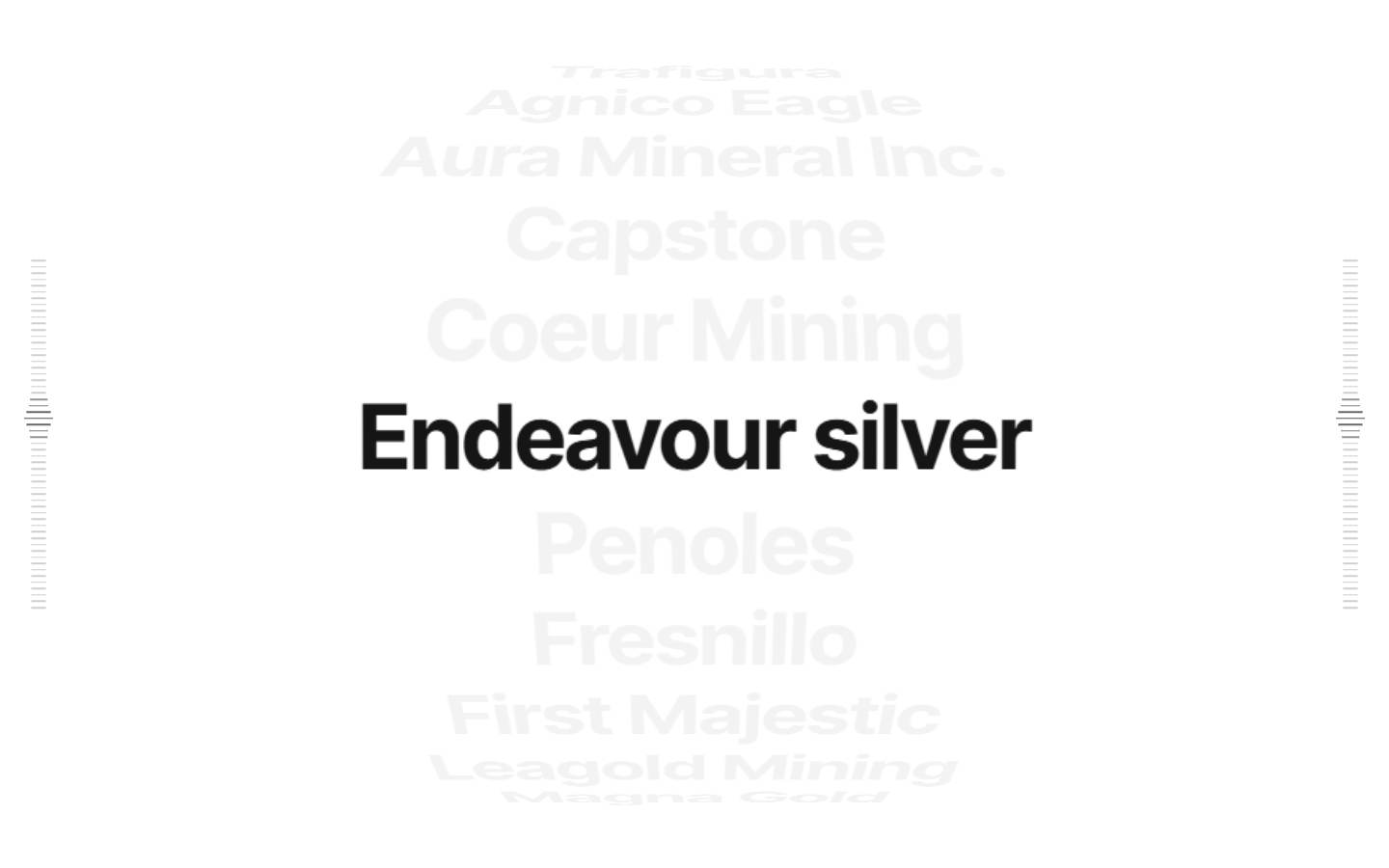
For partner names instead of logo images, copy Partner Cylinder Reel. Scroll brings the next name forward while the others stay faint. It is not a logo marquee animation.
Browsing and live previews are free and need no card. Free source copies are limited to the 10 Free Sample components with no monthly limit on a free account, plus 1 video prompt a month. The rest of the catalog and MCP are the 30-Day Build Pass ($19 once), Lifetime Access ($79 once), or Plus ($9/month). https://design-layer.com/en/components
Next.js logo marquee: common questions
Questions that come up often when building a logo marquee.
Yes. The marquee in this guide runs on CSS animation alone, so "use client" is not needed. Switch to a browser-side component only if you add features that need JavaScript, such as dragging.
Summary: building a logo marquee in Next.js
Render two identical rows and move them 50% to the left on a loop
Space logos with padding on each logo to prevent jumps
Fix the logo height and run one loop every 20 to 40 seconds
Pause on hover and keyboard focus, and add a pause button
Hide the duplicate row from screen readers
Switch to a static list for reduced-motion users
A logo marquee right below the hero makes visitors more willing to trust what follows. See https://design-layer.com/en/articles/nextjs-animated-hero-section-guide for the hero and https://design-layer.com/en/articles/nextjs-testimonial-section-guide for the testimonials that usually come next.