Claude Code in Cursor: How to Use Both Agents Together (and Add Motion React Components)
Published: October 21, 2026 · 10 min read
Run Claude Code inside Cursor with the extension or the terminal, split the work between the two agents, share one AGENTS.md, and add motion React UI.
TL;DR: You can run Claude Code inside Cursor in two ways: install the official Claude Code extension for Cursor (a chat panel with inline diffs and plan review), or run claude in Cursor's integrated terminal (the full CLI, which still opens diffs in the editor). Claude Code needs a paid Claude plan or a Claude Console account. The setup that works best for UI work is a split: let Claude Code fetch, write and wire the component across files, and use Cursor's Agent with its browser to check the result against the live preview. Put your rules in one AGENTS.md so both agents follow them. To try it with a real section, copy a motion component from DesignLayer: 3 free copies a day, or Plus at $9/month for unlimited copies and MCP access from both Cursor and Claude Code.
Why does running Claude Code and Cursor side by side get messy?
Cursor already has its own agent. So the moment you add Claude Code to the same window, you have two agents that can both edit your repo, and they don't share a conversation. What they share is your files.
That causes a few predictable problems:
Two sets of instructions. Your Cursor rules say "use our design tokens", but Claude Code never read them, so its first component ignores your colors.
Two tool setups. You connected an MCP server in Cursor and assumed Claude Code could use it too. It can't until you add it there as well.
Overlapping edits. Both agents touch
page.tsxin the same hour, and you spend the next one untangling the diff.No clear owner for "does it look right?" A motion section can compile, pass lint, and still freeze on its first frame.
If you have hit any of these, you are not doing it wrong. Cursor and Claude Code are separate products from separate companies, and the docs for each one describe that one tool. This guide covers the space between them.
How do you run Claude Code inside Cursor?
Anthropic's Claude Code docs list two ways in, and both are official. Cursor is built on VS Code, and the Claude Code VS Code page has a direct Install for Cursor link.
Claude Code extension in Cursor |
| |
|---|---|---|
What you get | A graphical chat panel (Spark icon) inside Cursor | The full Claude Code CLI |
Install | "Install for Cursor" link, or search "Claude Code" in Extensions | Standalone install ( |
Diffs | Side-by-side diff to accept or reject (in Manual mode), even one change at a time | The CLI opens diffs in the editor's diff viewer |
Context from the editor | Sees your selection; | Sends your current selection and active file path |
Plans | Plan mode opens the plan as a Markdown doc you can comment on | Plan mode in the terminal |
Features | A subset of commands and skills | All commands and skills, |
Best for | Reviewing edits visually, people new to the terminal | Scripts, |
Two details from the docs save confusion:
The extension does not put
claudeon your PATH. It bundles its own copy of the CLI for the panel. If you also want to typeclaudein the terminal (for example to runclaude mcp add), do the standalone install once.They share history. The extension and the CLI use the same conversation history, so you can start in the panel and continue in the terminal with
claude --resume. If you run Claude Code in a terminal outside Cursor, run/ideinside it to connect to the editor.
Claude Code requires a Pro, Max, Team, or Enterprise plan, or a Claude Console account. The free claude.ai plan doesn't include it. Cursor is billed separately on its own plan.
Should you use Cursor's Agent or Claude Code for each task?
There is no official split. This is a split that works for front-end and motion work, based on what each tool is built to do.
Task | Better fit | Why |
|---|---|---|
Fetch a component and write its files | Claude Code | It reads a bundle, writes files to the paths given, and runs the install line in the same session |
Multi-file wiring (new section, imports, props, page order) | Claude Code in Plan mode | You approve one plan before it touches several files |
Run | Claude Code | It reads the terminal output and keeps going |
Check the section in the running app against the live preview | Cursor's Agent with its browser | Cursor's browser tool lets the agent open pages, scroll and take screenshots |
"Make this card match that one", spacing, small visual fixes | Cursor's Design Mode | Click or circle the element in the running app and prompt against it ( |
One-line copy or class changes | Either, in the file you have open | Not worth a plan |
The rule that matters more than the table: one agent per file at a time. Let Claude Code finish and accept its diff before you ask Cursor to adjust the same component. If a change goes wrong, Claude Code's checkpoints let you rewind its file edits to an earlier message.
How do you make Claude Code and Cursor follow the same rules?
Use one AGENTS.md at the root of your repo. Both tools read it:
Cursor supports
AGENTS.mdin the project root and in subdirectories as a plain-Markdown alternative to.cursor/rules(Cursor rules docs).Claude Code reads
AGENTS.mdwhen there is noCLAUDE.mdin your working directory or above it. If you already have aCLAUDE.md, add the line@AGENTS.mdat the top of it, and Claude Code loads the shared file first (Claude Code memory docs).
Keep tool-specific notes out of the shared file. Here is a starting point for a Next.js marketing site that uses copied motion sections:
The "Adding a copied section" rules follow DesignLayer's own Copy for Cursor guide and Match the live preview page. For the full list of what to say when you paste one component, see Paste React Components into Claude or Cursor.
# AGENTS.md

## Stack
- Next.js App Router, TypeScript, Tailwind CSS
- cn() lives in src/lib/utils.ts. Do not add a second copy.

## Adding a copied section
- Put sections in src/components/sections/, one file per section.
- Write each file to the path given in the bundle. Do not rewrite the code from scratch.
- Install only the npm packages the bundle lists.
- Keep "use client" inside the section file. page.tsx stays a Server Component.
- Keep the demo image URLs until the section matches its live preview.

## Motion
- Do not wrap scroll-linked sections in overflow-hidden or a short h-screen box.
- Swap headlines and links only after the motion matches the preview.
How do you give both agents the same component catalog?
MCP servers are configured per tool, so you add the same server twice:
Cursor | Claude Code | |
|---|---|---|
Where the config lives |
| Local scope by default; |
How you add a remote server | "Add to Cursor" button or an entry with a |
|
Sign-in | OAuth in the browser |
|
For DesignLayer, the server URL is https://design-layer.com/mcp, and both editors connect by clicking Allow connection in the browser. There is no API key to paste.
In Cursor, open DesignLayer Account settings → DesignLayer MCP → Cursor tab → Add to Cursor, then Authenticate. The full steps are in Connect Cursor and Claude Code, and the reasoning behind catalog-over-MCP is in our Cursor MCP guide.
Once connected, either agent can call search_catalog (search, no copy used) and get_component (fetches the same bundle as Copy for Cursor). MCP is a Plus feature. On Free, you get the same bundle with the Copy for Cursor button on any component page, 3 times a day.
# Claude Code (from the DesignLayer docs)
claude mcp add --transport http DesignLayer https://design-layer.com/mcp
What does the workflow look like for adding a motion React component?
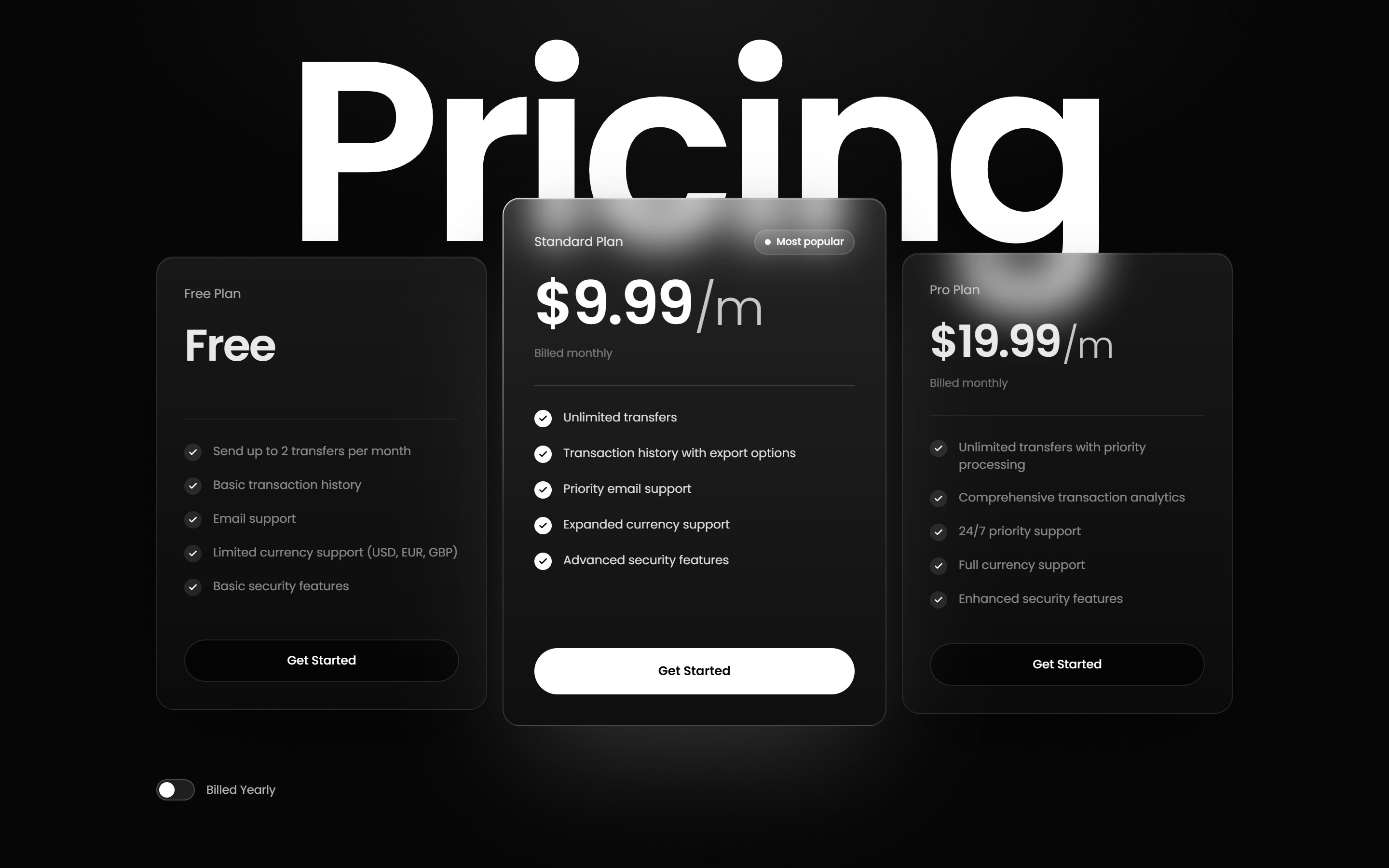
Here is the full loop for one section, using Kinetic Service Pricing: three frosted-glass plan cards over a giant "Pricing" wordmark, with prices that roll digit by digit when the Billed Yearly switch flips. It depends only on React, TypeScript, Tailwind CSS and lucide-react.
Step 1: Check the project once
DesignLayer sections expect Next.js App Router, TypeScript, Tailwind CSS, and the cn helper from clsx and tailwind-merge (What your project needs). Ask Claude Code to check before the first paste:
Check that this repo has TypeScript, Tailwind CSS, and a cn() helper at @/lib/utils
(clsx + tailwind-merge). If anything is missing, tell me what you will add before editing.
Step 2: Fetch and write the files with Claude Code
With MCP connected (Plus):
Without MCP (Free): press Copy for Cursor on the component page, paste the whole clipboard into the Claude Code panel, and add one line saying which page mounts it. The bundle already contains the file paths, the install line and the live preview URL.
If the section touches more than one existing file, switch Claude Code to Plan mode first and approve the plan.
Use DesignLayer get_component for kinetic-service-pricing.
Write each files[].path from the JSON, install npmDependencies,
and mount it in app/(marketing)/page.tsx under the hero.
Follow AGENTS.md. Keep the demo images. Then run tsc --noEmit and lint.
Step 3: Check it against the live preview with Cursor
Every bundle includes a live preview URL that starts with https://design-layer.com/part/. Open your local page and that URL side by side in Cursor's browser and ask Cursor's Agent to compare them:
For a single off-looking card, turn on Design Mode, click it, and describe the fix.
Open http://localhost:3000 and the live preview URL from the bundle.
Scroll both to the pricing section, flip Billed Yearly on each,
and list every difference in motion, spacing and type. Don't change the design;
fix only what differs from the preview.
Step 4: Swap the copy last
Change plan names, prices and CTA text after the motion matches. Doing it first makes it hard to tell whether a broken animation came from the component or from your edits.
Which sections should you add next for a full launch page?
A launch page for a developer tool usually needs four or five sections. These are real DesignLayer components that fit together on a dark, technical page:
Section | Component | What it shows | Extra dependency |
|---|---|---|---|
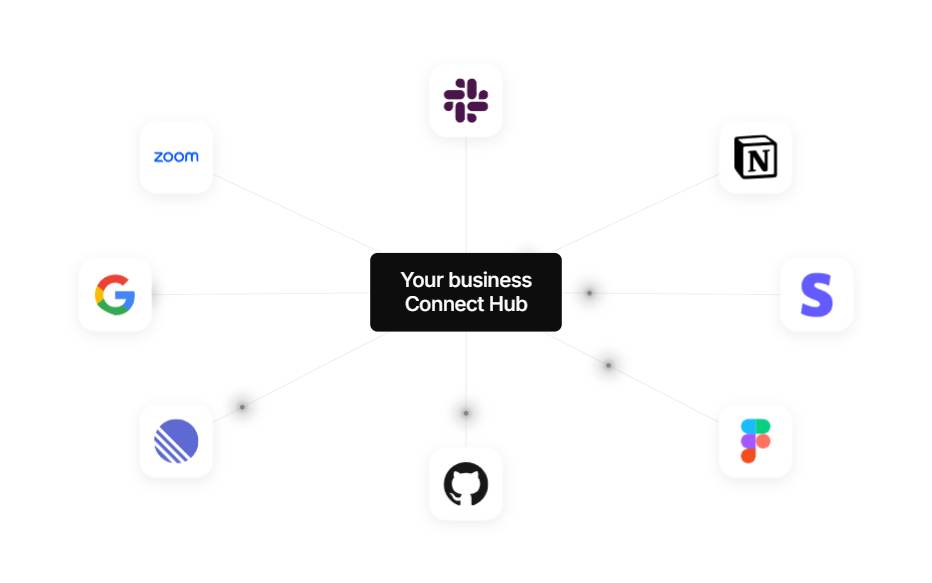
Integrations | Tool logos gather into a center hub with pulsing connector lines | None beyond React + Tailwind | |
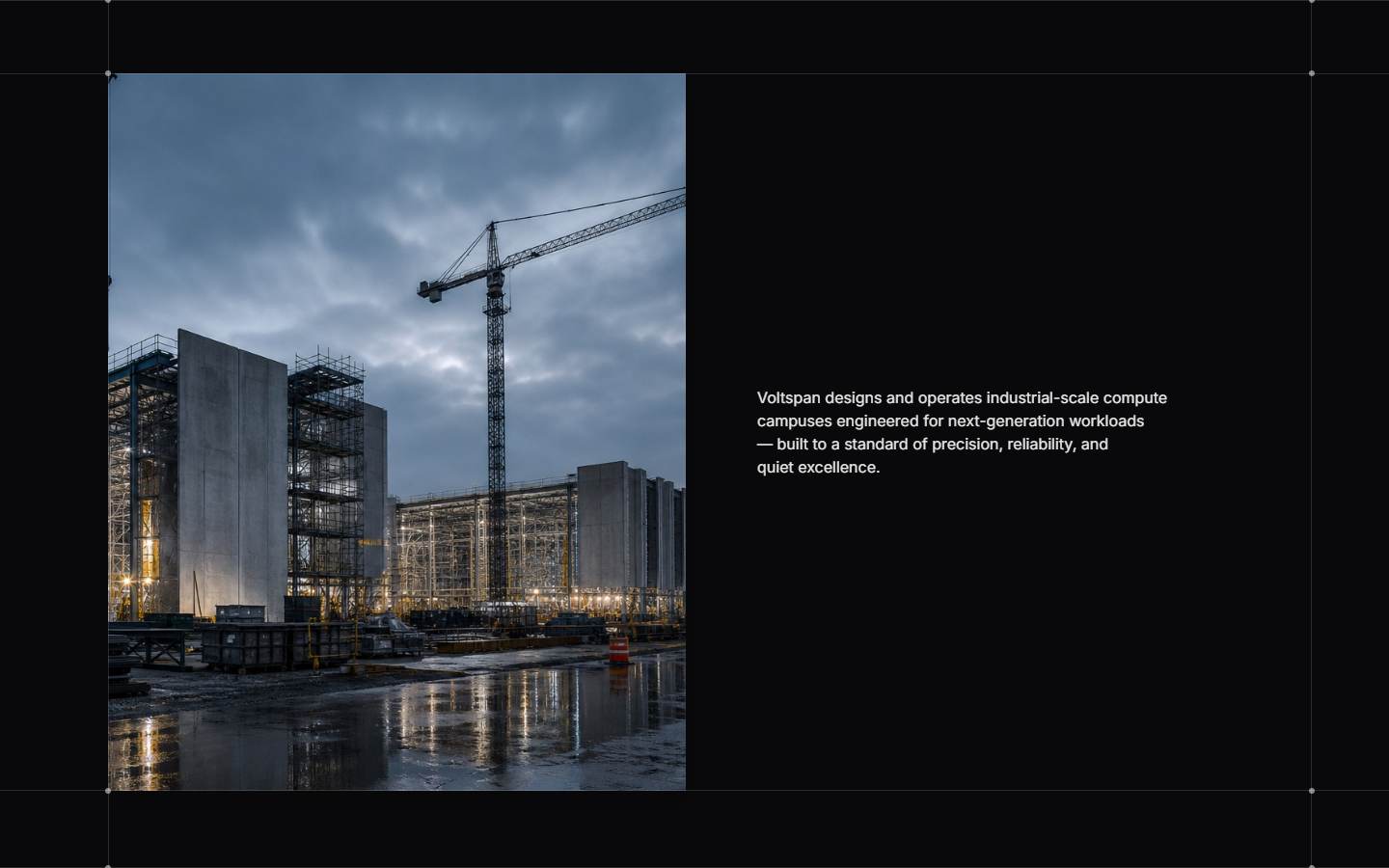
Story band | One still moves left, right, center, then fills the viewport on scroll | None | |
Pricing | Wordmark rises letter by letter, prices roll on the yearly switch | lucide-react | |
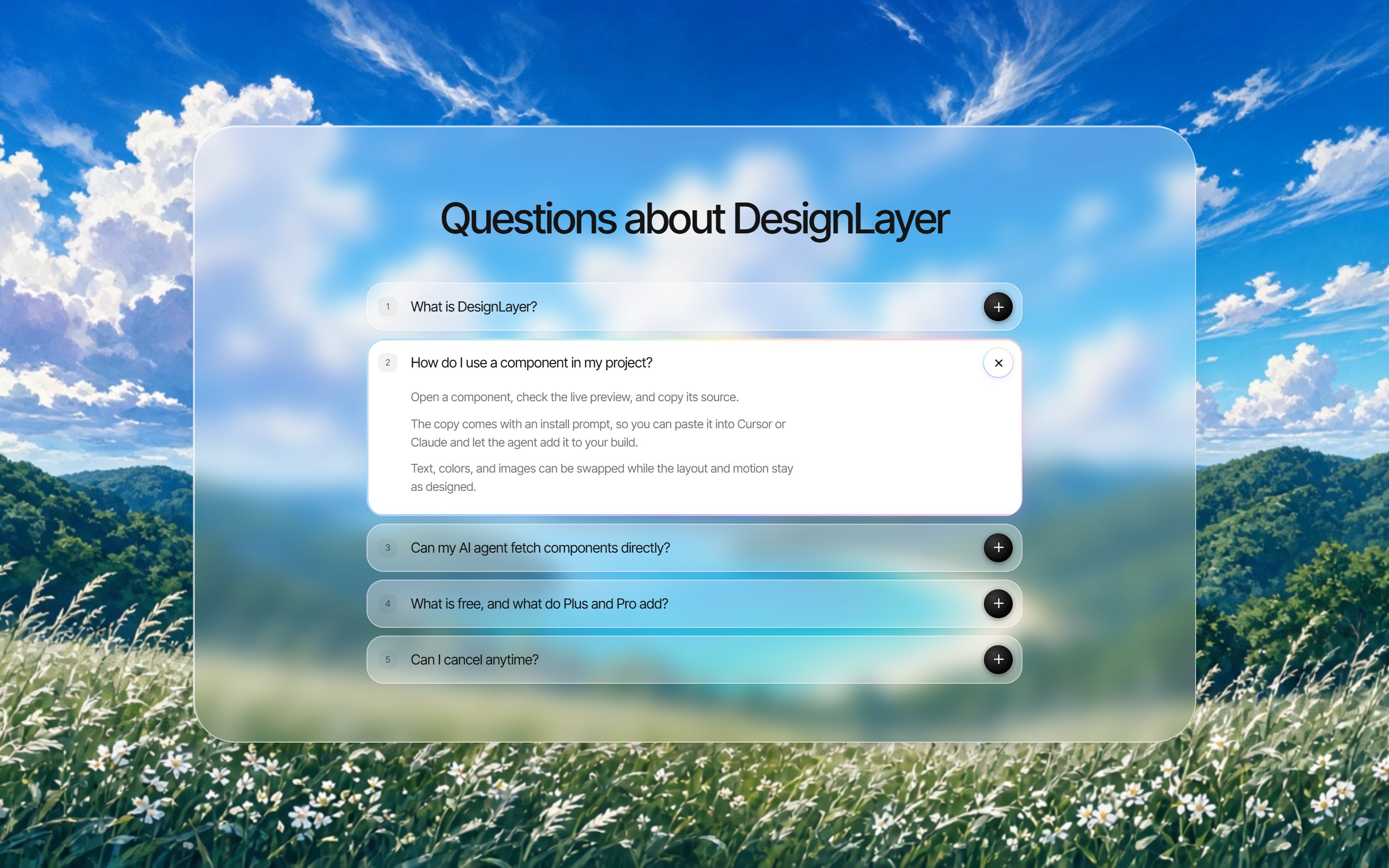
FAQ | Open row turns white, plus rotates into ×, answers expand | None | |
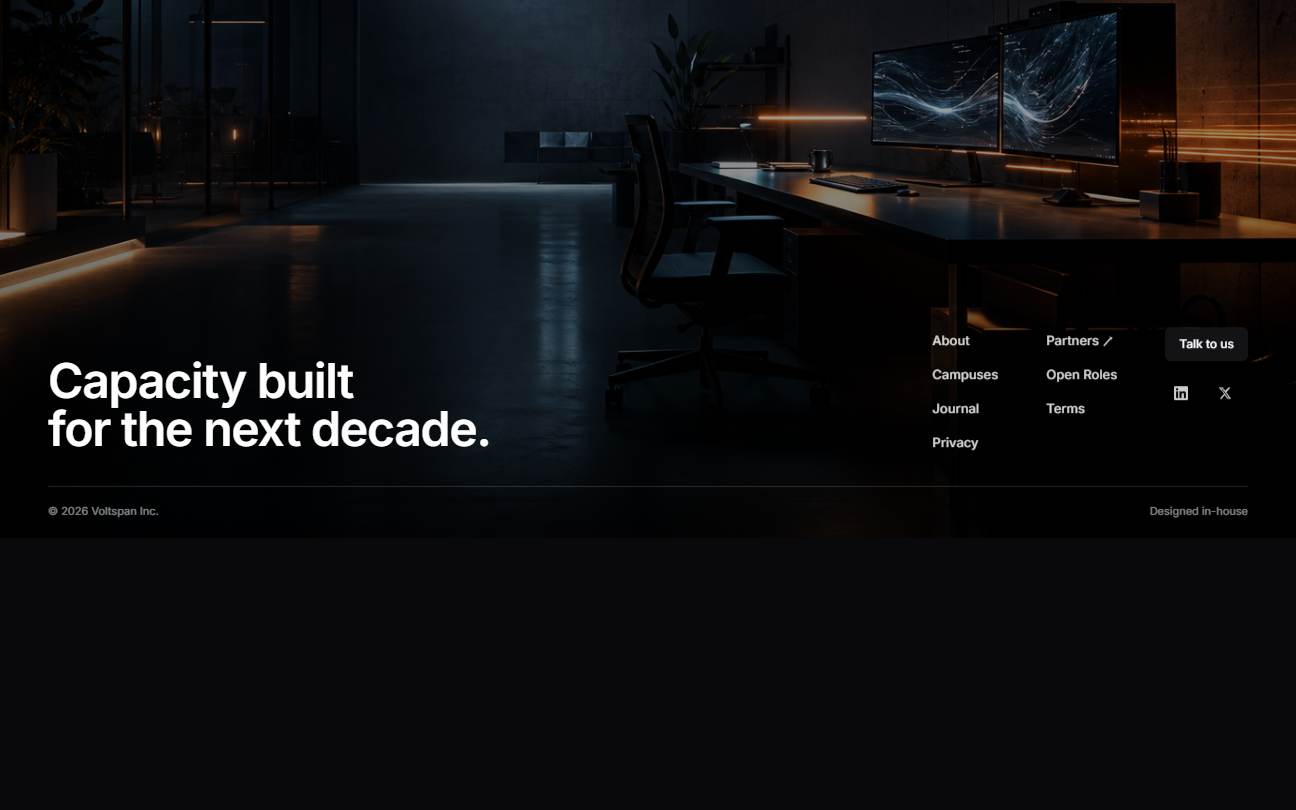
Footer | Full-bleed photo footer with link columns and CTA | None |
Add them one at a time, as DesignLayer's Build a page from sections guide recommends: place one, check its motion in Cursor, then fetch the next. The guide advises against pasting several bundles into one chat, and suggests telling the agent not to merge sections.
If you want to test the scroll check from Step 3 on something harder, try a pinned GSAP section like Pin Spacer Works. Scroll-linked sections like this can freeze on their first frame when a parent has overflow: hidden or a short h-screen box, so it's a good test of the check.
How much does this cost on the DesignLayer side?
Browsing and live previews are free with no account or card. Free includes 3 component copies per day (reset at 00:00 JST / 15:00 UTC), and a get_component fetch counts the same as pressing Copy for Cursor.
The five-section page above takes five copies, so on Free it spreads over two days. Plus is $9/month and gives you:
Unlimited component copies, on the site and over MCP
MCP from both Cursor and Claude Code (Free can't connect)
Unlimited video prompt copies
It renews monthly and you can cancel from your account page; the plan stays active until the end of the period you paid for. If you only need unlimited copies while you build one page, you can cancel once it ships.
FAQ
Yes. Install the official Claude Code extension using the "Install for Cursor" link in Anthropic's docs, or install the CLI and run
claudein Cursor's integrated terminal. Both are supported by Anthropic.
Summary
Run Claude Code in Cursor with the official extension (visual diffs, plan review) or
claudein the integrated terminal (full CLI). It needs a paid Claude plan or a Console account.Let Claude Code fetch, write and wire components; let Cursor's Agent, browser and Design Mode check them against the live preview.
One agent per file at a time.
Share one
AGENTS.md; add@AGENTS.mdtoCLAUDE.mdif you have one.Add MCP servers in each tool separately. DesignLayer MCP works in both on Plus.
Start with one section: open Kinetic Service Pricing or browse the component catalog, and run the four steps above with today's free copy.