AI Product Launch Video Examples: 8 Films Made by AI Agents (and the Launch Page to Go With Each)
Published: October 19, 2026 · 8 min read
8 AI product launch video examples, from torn-paper stop-motion to UI morph loops. See how each was made, copy the prompt, and build the page around it.
The best AI product launch videos right now are made in code
An agent like Claude Code writes every frame, the camera, and often the score, then renders an MP4. Below are 8 real examples from DesignLayer Videos, from a torn-paper stop-motion film to one-shape UI morph loops. Each one comes with the prompt that made it (1 free copy a day, unlimited on Plus for $9/month) and three React sections to build the matching launch page.
Why is the launch video the hardest part of shipping?
You can build the product in a weekend with Cursor or Claude Code. The launch post is another story. A launch tweet or Product Hunt page without a video gets scrolled past, and the usual options are bad:
Screen recording: honest, but flat. It looks like a bug report, not a launch.
After Effects or a motion designer: great results, but days of work or a real budget for a product nobody has used yet.
Text-to-video models: fast, but they invent UI that doesn't exist and drift off-brand.
The approach that has taken over is different: you ask an agent to write the film as code. Every frame is a function of time, so the agent can render it frame by frame, keep text sharp, and time cuts to a beat. The examples below are all in that family.
Sound familiar? You have the product, but not the 20 seconds that sell it
You've probably seen a slick launch film on X credited to an AI model, pasted a one-line prompt into Claude Code, and gotten back a single HTML file with a gradient and a fade. The gap between that and a film people repost is mostly in the prompt: what's on screen, in what order, at what tempo, and what to avoid.
That's why starting from a real example (and the real prompt behind it) saves so much time. You see the result first, then you copy the instructions that produced it and swap in your own product.
What do AI-made launch videos actually look like? 8 examples
All 8 films are on https://design-layer.com/en/videos . Descriptions below follow each film's own page.
# | Film | Creator | Style | Best for | Sections to build the page |
|---|---|---|---|---|---|
1 | Kiln 2 — Deep Make Launch Film | shouchan099 | Raymarched 3D, coded score | AI tools, hardware, maker products | Product Viewer, Garden Prompt Hero, File Upload |
2 | tsugi — Torn-Paper Launch Film | shouchan099 | Stop-motion torn paper | Brand-led or culture products | Sakura Editorial Poster, Ink Reveal CTA, Floating Poster Orbit |
3 | SaaS Launch Video (Notion concept) | Moritz Kremb | Motion-graphics feature film | SaaS with several features | Product Feature Bento, Kinetic Service Pricing, Spotlight Reviews |
4 | UI Motion Loop | Florence | 14-second one-shape UI loop | Dev tools, creative tools | Pixel Arc Loader, Clicky Keyboard, Magnetic CTA Button |
5 | UI Morph Motion | zero | One-shape UI morph | Apps with many small UI states | Cinematic Audio Player, Portfolio Profile Music Player, Plan Pill Switch |
6 | Product intro | DesignLayer | Brand-color product demo | Explaining one workflow | Night Messenger Chat, Glass Sidebar Nav, Brand Bar Header |
7 | Videos launch | DesignLayer | Feature launch film | Announcing a new feature | Product Wordmark Hero, Floating Pill Header, Magnetic CTA Button |
8 | Guide | DesignLayer | Explainer | Onboarding and how-it-works | Knockout Cloud Opener, Pastel Pill Navbar, Plan Pill Switch |
1. Kiln 2 — Deep Make Launch Film (3D product reveal)
A launch film for a fictional AI model, Kiln 2, whose Deep Make mode turns a pencil sketch into a print-ready lamp shade. The page says every frame, the raymarched 3D renders and the score are generated by code from Claude Opus 5.5, timed to a 120 BPM beat grid. https://design-layer.com/en/videos/shouchan099-kiln-launch
Steal this idea: show the transformation your product performs (input → output) as one physical object changing on screen.
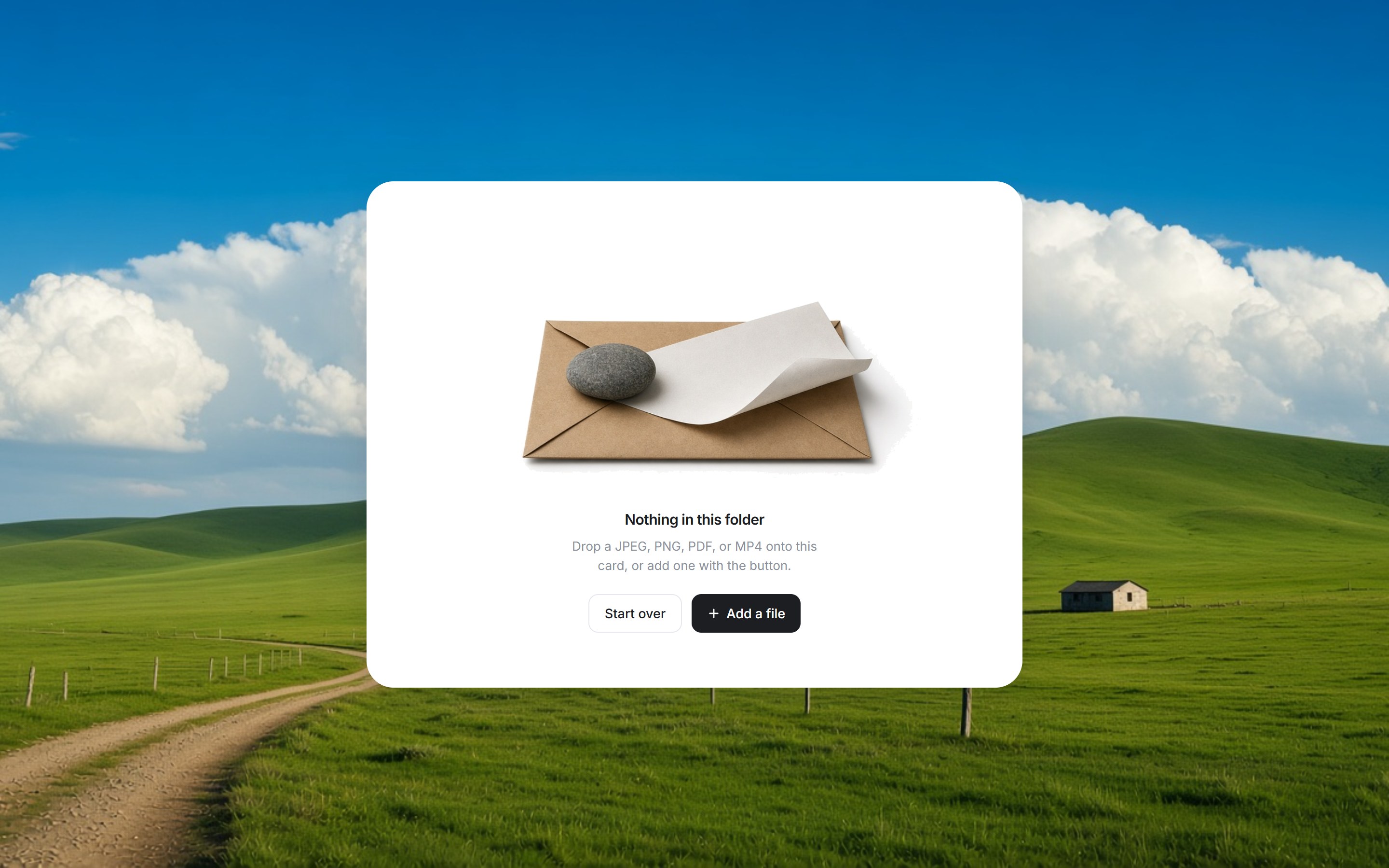
Build the page: https://design-layer.com/en/components/product-viewer (centered hero visual with floating plus-pills for feature details), https://design-layer.com/en/components/garden-prompt-hero (one-screen AI hero with a prompt field), https://design-layer.com/en/components/file-upload-panel (folder card that animates through uploading to "Upload complete").
2. tsugi — Torn-Paper Launch Film (handmade look, made in code)
A stop-motion launch film for a fictional AI service, tsugi. Per its page, every scrap of torn paper, the camera and the score are generated by code from Claude Opus 5.5, held on twos and timed to a 120 BPM beat grid. https://design-layer.com/en/videos/shouchan099-tsugi-launch
Steal this idea: pick one physical medium (paper, clay, ink) and commit to it. "Held on twos" (each drawing shown for two frames) is what makes code-made stop-motion feel handmade.
Build the page: https://design-layer.com/en/components/sakura-editorial-poster , https://design-layer.com/en/components/ink-reveal-cta (a line drawing bleeds into full color as you scroll), https://design-layer.com/en/components/floating-poster-orbit .
3. SaaS Launch Video (Notion concept) — the classic feature tour
A SaaS launch film made by Claude Opus 5.5 from one prompt. Its page says the model picked Notion on its own, gathered real assets, and cut a motion-graphics video around the features. https://design-layer.com/en/videos/moritz-kremb-saas-launch
Steal this idea: if your product has several features, let the film walk through them one beat at a time instead of cramming them into one screen.
Build the page: https://design-layer.com/en/components/product-feature-bento , https://design-layer.com/en/components/kinetic-service-pricing (prices roll digit by digit when you switch to yearly), https://design-layer.com/en/components/spotlight-reviews .
4. UI Motion Loop (one shape that never cuts)
A seamless 14-second loop where one shape morphs from a pixel mascot into a play button, a timeline, a bezier editor, a render bar and a command palette. Built on a 0.5s beat grid with closed-form springs. https://design-layer.com/en/videos/flxrnc-ui-motion-loop
Steal this idea: a loop is perfect for X and for a hero background, because it never "ends" in the feed.
Build the page: https://design-layer.com/en/components/pixel-arc-loader , https://design-layer.com/en/components/clicky-keyboard , https://design-layer.com/en/components/magnetic-cta-button .
5. UI Morph Motion (your whole UI in one take)
One shape morphing from a button into a loader, a music player, a slider, tabs, a chart and a command palette, timed to a 120 BPM beat grid. https://design-layer.com/en/videos/twoclipping-ui-morph
Steal this idea: list the 5–7 UI states that define your product, then ask the agent to morph between them in order, never cutting.
Build the page: https://design-layer.com/en/components/cinematic-audio-player , https://design-layer.com/en/components/portfolio-profile-music-player , https://design-layer.com/en/components/plan-pill-switch .
6–8. Product intro, Videos launch and Guide (official DesignLayer films)
Three short films for DesignLayer itself. https://design-layer.com/en/videos/product-intro shows how you find a component and hand it to your agent, over the brand's cyan-to-violet background. https://design-layer.com/en/videos/videos-launch shows copying a prompt, handing it to an agent, and submitting the film it makes. https://design-layer.com/en/videos/guides walks through picking a film, copying its prompt, and submitting your own.
Steal this idea: for a workflow product, film the workflow, step by step, in your brand colors. It doubles as onboarding.
Build the page: https://design-layer.com/en/components/brand-bar-header (dark header that morphs into a floating center pill on scroll), https://design-layer.com/en/components/product-wordmark-hero , https://design-layer.com/en/components/knockout-wordmark-opener (a cloud-window mask that opens into your page).
Which launch video style fits your product?
Your product | Start from | Why |
|---|---|---|
AI tool that turns input into output | Kiln 2 | The film is the before → after. |
Brand, culture or consumer product | tsugi | A handmade medium stands out in a feed of gradients. |
SaaS with 3+ features | SaaS Launch Video | A beat-by-beat feature tour is easy to follow. |
Dev tool or creative tool | UI Motion Loop or UI Morph Motion | Short loops get rewatched and work as hero backgrounds. |
Workflow or platform product | Product intro / Videos launch | Showing the steps explains the product in one go. |
How do you turn an example into your own launch video?
Watch, then copy the prompt. Open the film on https://design-layer.com/en/videos and press Copy to get the prompt that came with it.
Swap in your product. Replace the fictional product, the promise line, the 3–5 moments to show, your brand colors and the ending (logo, URL or one line).
Run it in Claude Code (or your agent). Ask for the storyboard or list of states first, approve it, then let it build and render.
Tighten the motion. Beat grids, springs written as a function of time, and frame-by-frame rendering are covered step by step in our guide to making videos with Claude Code: https://design-layer.com/en/articles/claude-code-video-guide .
Build the page the film points to. Each film page has a "Build the page for this launch" block with three matching sections. Copy them into Cursor or Claude with Copy for Cursor.
Why pair the launch video with the launch page?
Your video sends people somewhere. If the film is cinematic and the landing page is a default template, the click lands flat. Most prompt galleries stop at the video; on DesignLayer, each film links to sections in the same visual spirit, so the film and the page feel like one launch.
It also matches how a launch actually goes: one week where you need a film, a hero, a features block, pricing and a CTA, all at once.
What does it cost to copy the prompts and the sections?
Watching every film is free. Copying is where the daily limits come in (from https://design-layer.com/en/pricing ):
Free | Plus | |
|---|---|---|
Price | $0 | $9 USD / month |
Watch and submit videos | Free | Free |
Video prompt copies | 1 / day | Unlimited |
Component source copies | 3 / day | Unlimited |
MCP for Cursor / Claude Code | — | Included |
Daily reset | 00:00 JST (15:00 UTC) | — |
A typical launch page uses a header, a hero, a features section, pricing and a CTA: that's five copies, plus a prompt or two while you try film styles. On Free that's two days of waiting for the components alone. On Plus it's one afternoon, and you can cancel anytime from your account once the launch is out.
Get Plus — $9/month → https://design-layer.com/en/pricing
Can you submit your own AI launch video?
Yes. On https://design-layer.com/en/videos/submit you sign in with GitHub and send a title, description, prompt and video: MP4, 16:9 or 1:1, up to 60 seconds and 50 MB, with an optional PNG logo up to 1 MB. Every submission is reviewed before it's published, and you confirm you hold the rights to the video, prompt and logo.
AI product launch videos: common questions
A clear promise in the first seconds, 3–5 real moments from the product, one consistent look, and cuts timed to a beat. The strongest examples above all commit to one idea: one medium (tsugi's torn paper), one transformation (Kiln 2) or one shape that never cuts (UI Motion Loop).
Ship the film and the page this week
Pick the example that matches your product from the table above.
Copy its prompt and the three sections under "Build the page for this launch."
If you need more than today's free copies, start Plus for $9/month and build the whole launch in one sitting: https://design-layer.com/en/pricing
Browse all launch videos → https://design-layer.com/en/videos · Browse 69 components → https://design-layer.com/en/components