Team Members Table
What is this?
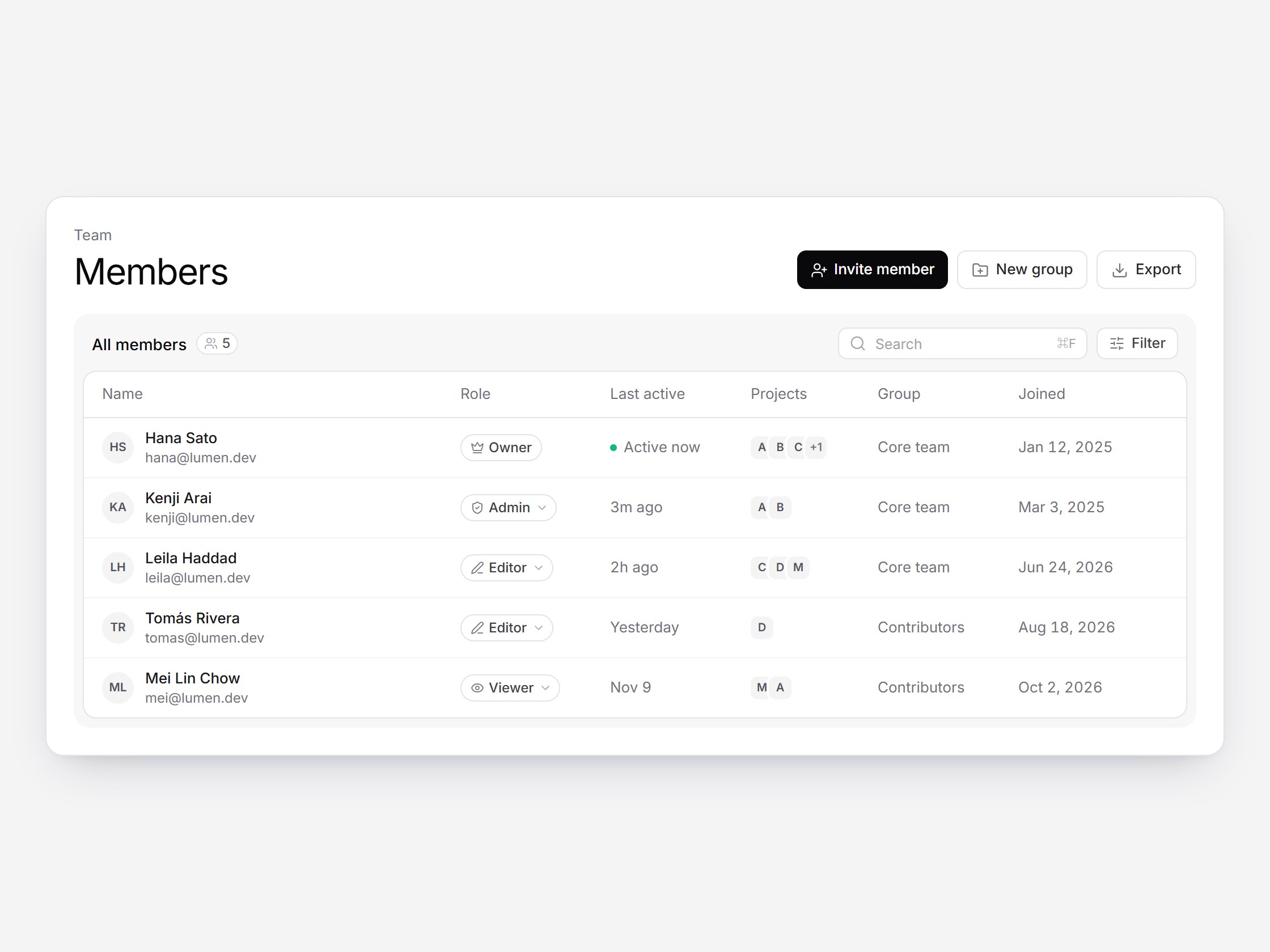
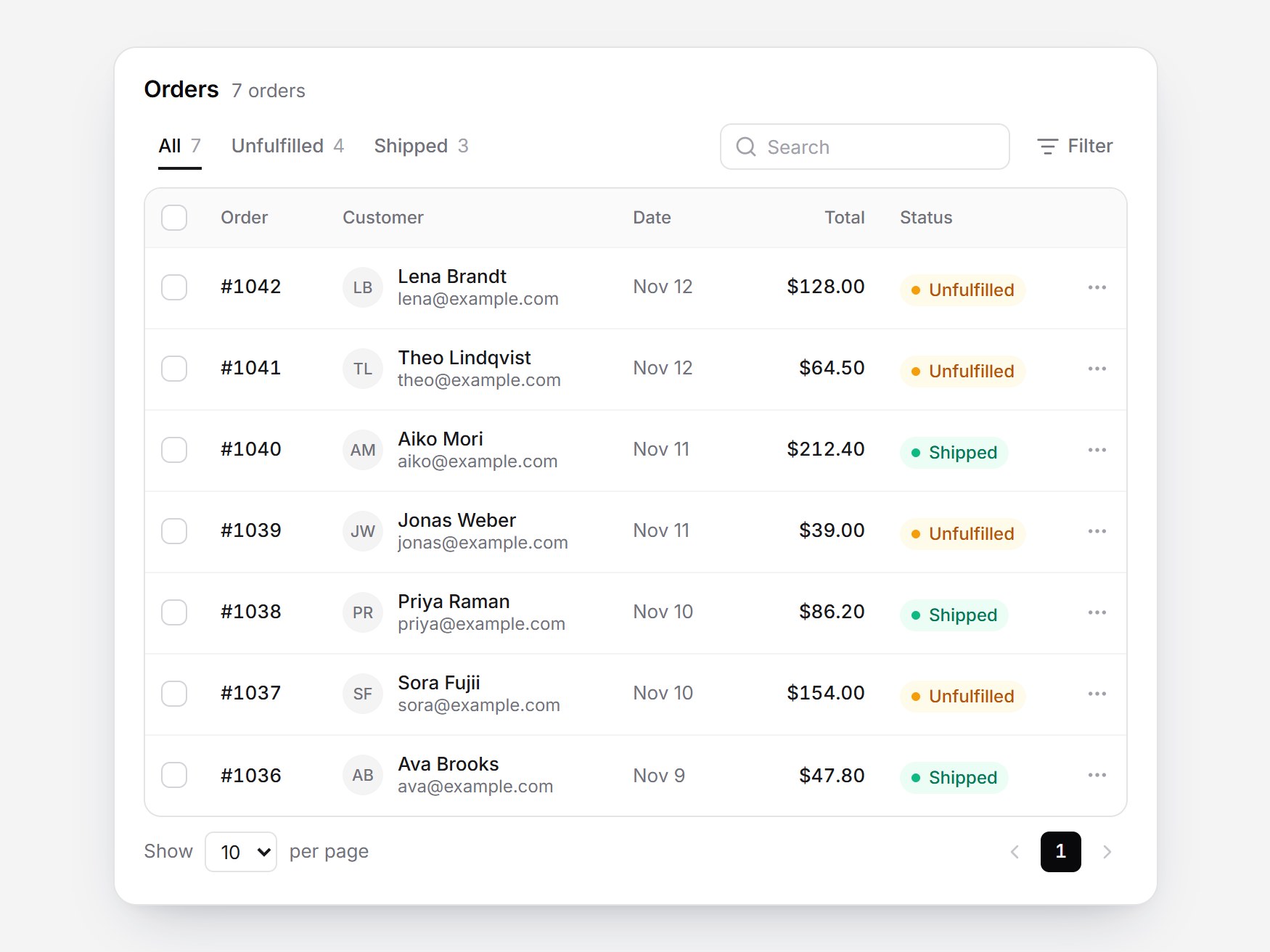
A members table for team pages. A large “Members” title sits beside Invite member, New group, and Export. Below it, one white table nested in a gray card has a count chip, search, and a Filter button, with name and email, role, last active, projects, group, and joined date, sorted from Owner to Viewer. Access shows in the role pill's tooltip, and clicking the pill opens a role menu with icons and short descriptions. The invite popover uses the same menu, and sending an invite adds a dashed-avatar row. Swap the members and roles, then drop it into team settings or an admin page.
Team Members Table
A members table for team pages. A large “Members” title sits beside Invite member, New group, and Export. Below it, one white table nested in a gray card has a count chip, search, and a Filter button, with name and email, role, last active, projects, group, and joined date, sorted from Owner to Viewer. Access shows in the role pill's tooltip, and clicking the pill opens a role menu with icons and short descriptions. The invite popover uses the same menu, and sending an invite adds a dashed-avatar row. Swap the members and roles, then drop it into team settings or an admin page.
Verified Technical Spec
- Animation
- CSS / Tailwind
- Reduced motion
- Verified
- Keyboard focus
- Verified
- Compatibility
- Tailwind CSS v3.4 + v4 · React 19 / Next.js 15 App Router + Vite / Remix compatible
Included
- Copy source into Cursor or Claude for agent install
- Responsive on phone, tablet, and desktop
- Finished React · TypeScript · Tailwind CSS · Lucide UI
Dependencies
- React 19.0.0
- Typescript 5.7.2
- Tailwindcss 3.4.16
- Lucide-react 1.23.0
Tech Stack
- React
- TypeScript
- Tailwind CSS
- Lucide
Version 1.0.0