DesignLayer
Support Split Contact
Back to components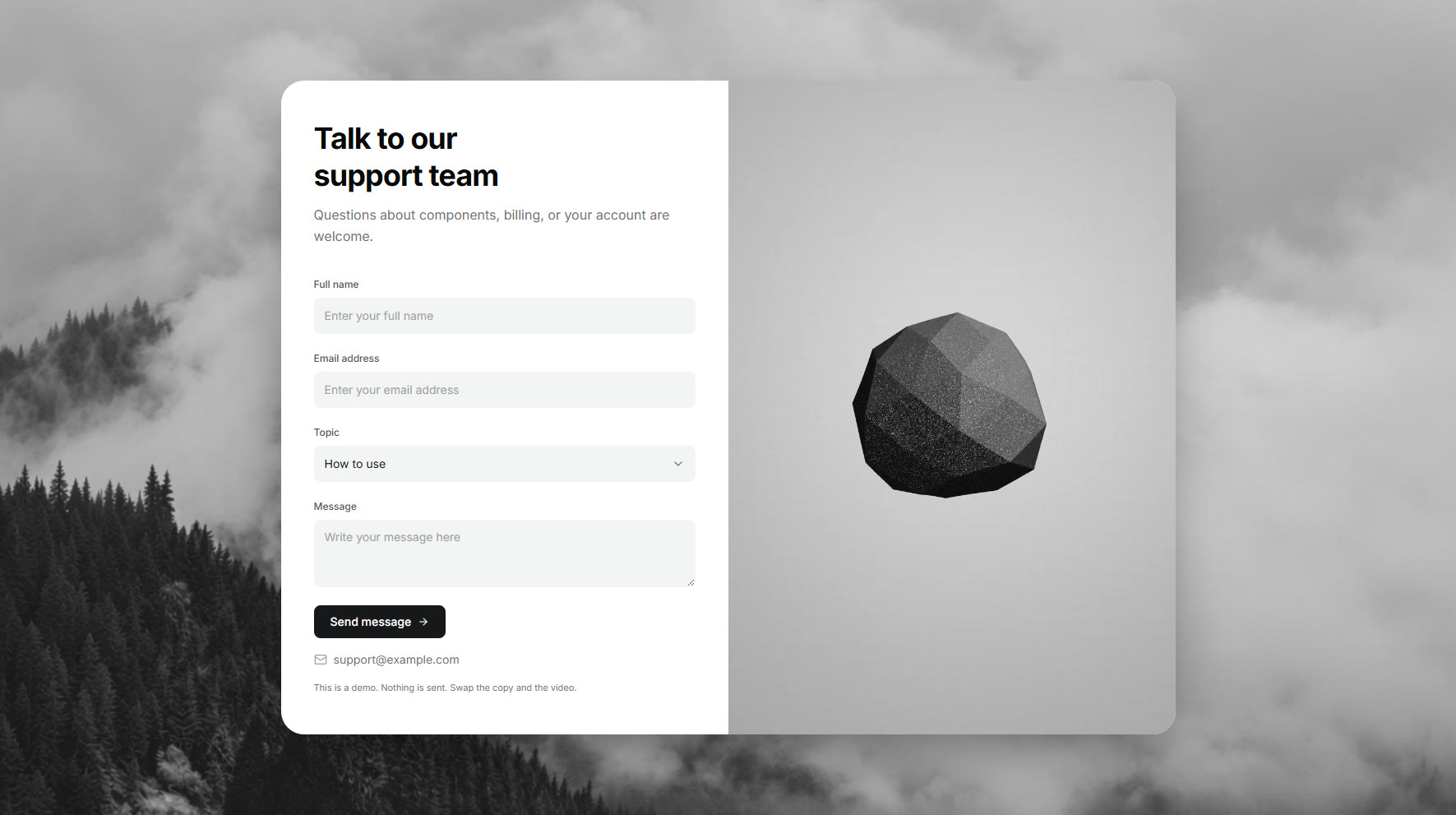
What is this?
A white contact split: a bold headline and short note on the left, then name, email, topic, and message fields. A rounded looping video sits on the right. The topic menu opens downward with a check on the selected row, and the inbox address sits directly under the send button. Swap the copy and video, then drop it onto a support page. Submit is a demo and does not store the message.